EncoreCX
Installation & Maintenance Manual
54
Class 6 is the additional restriction codes in the “Restricted Table” in Class codes programming. These can
be combined with Classes 1, 2 and 3.
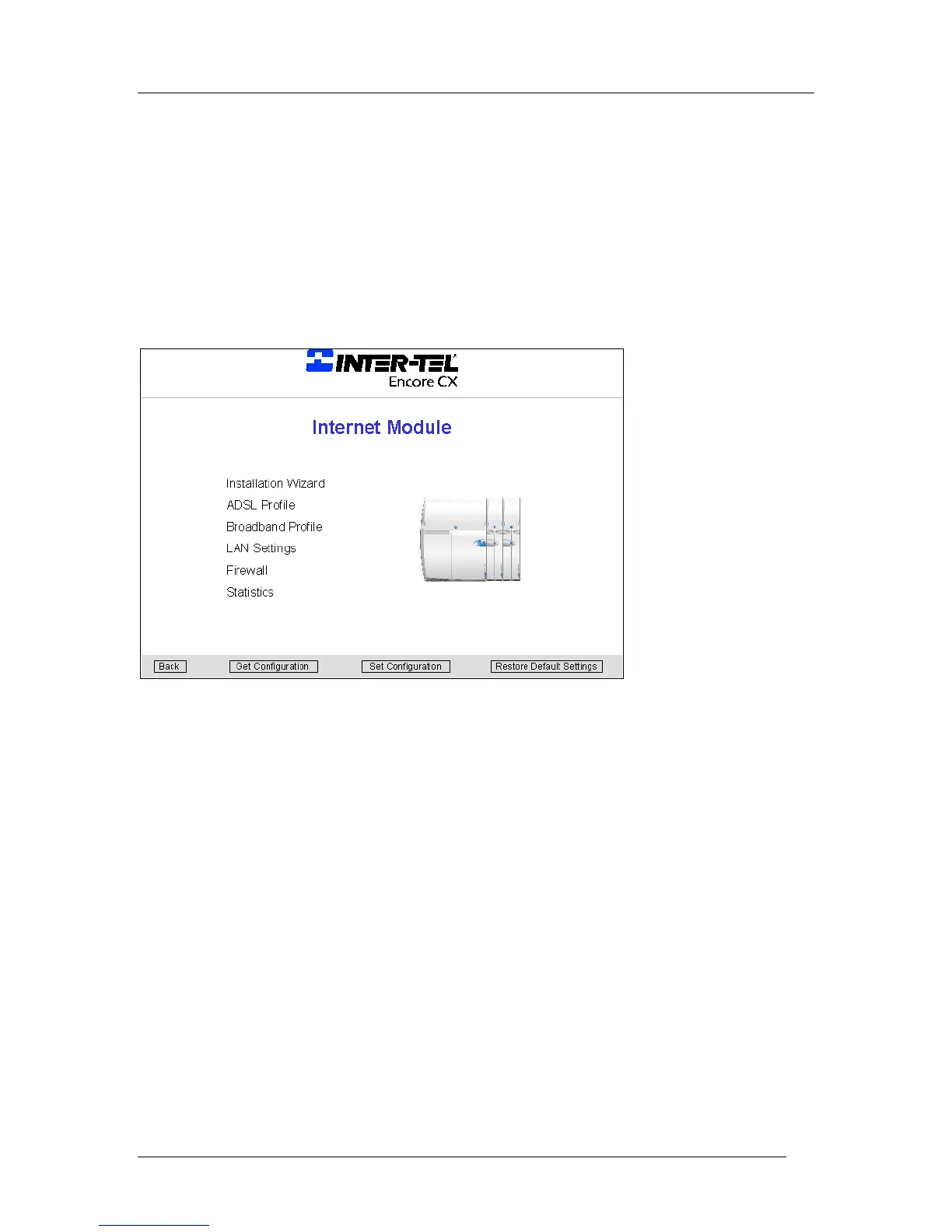
Internet Router programming
The Internet Router module can only be programmed from the Programming and Maintenance software
package running on a PC connected to the serial interface. When the Programming and Maintenance
software is running, select the Internet Router module programming wizard.
Installation wizard
The installation wizard allows you to readily set up an Internet connection.
Before you use the wizard, you must have the following information on hand.
· For DSL or Broadband, get the following information. The Internet Service Provider (ISP) will provide
this:
- Username
- Password
- Protocol
· Select the installation wizard from the EncoreCX Programming and Maintenance software main menu.



 To Next Page