EncoreCX
Installation and Maintenance Manual
55
DSL
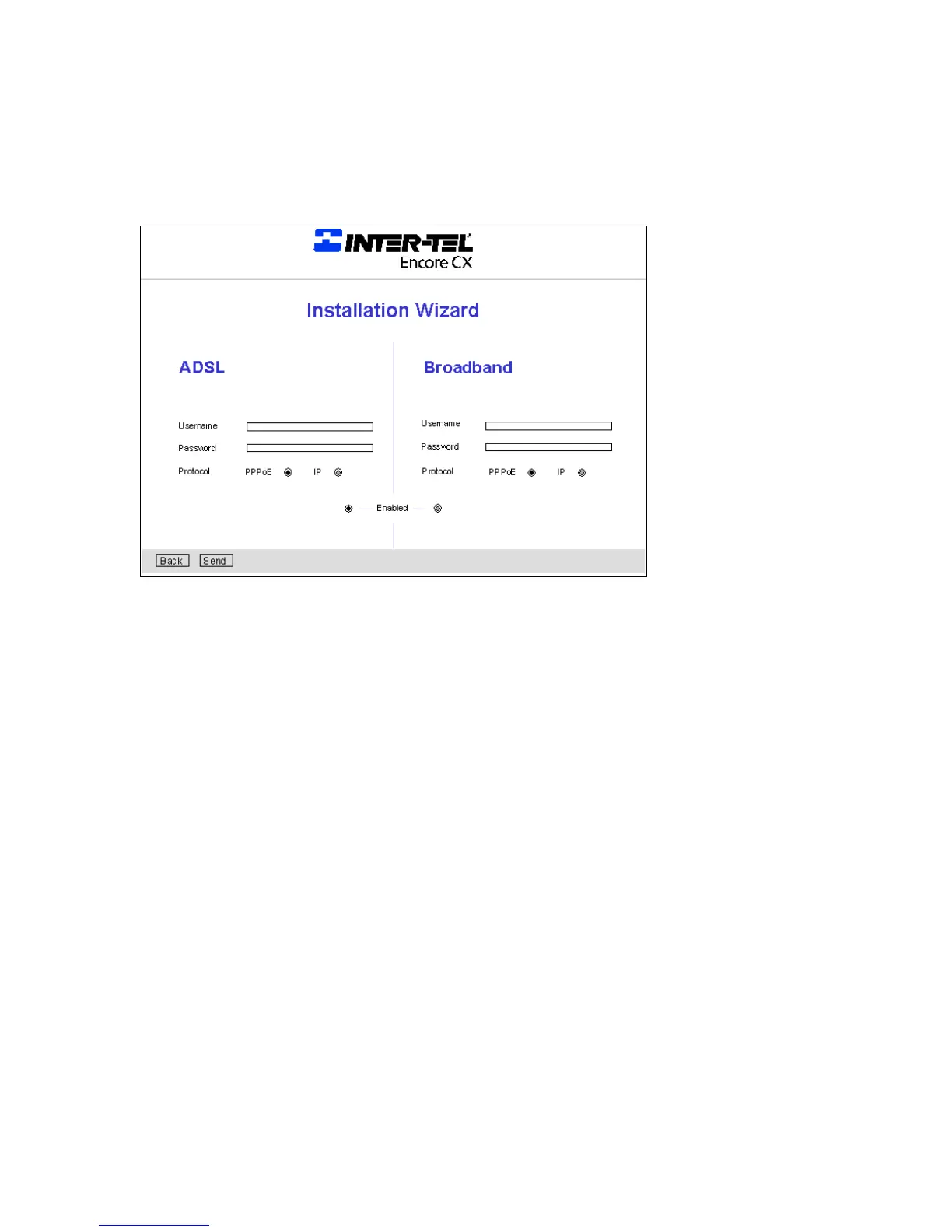
The following screen is displayed when installation wizard is selected.
· Enter the Username. This will be provided by the ISP.
· Enter the Password. This will be provided by the ISP.
· Select either PPPoE or IP. Details of this will be provided by the ISP.
· Profile Enabled. When one profile is enabled, the other is automatically disabled.
The Internet Router Module is now set up to access the Internet Router using DSL or Broadband.



 To Next Page