40
Garantiebewijs Intergas HR-ketel
Datum installatie:
Volgens geldende voorschriften
geïnstalleerd door:
Naam installateur:
Adres:
Postcode:
Woonplaats:
Naam koper:
Adres:
Postcode:
Woonplaats:
Voor de ‘Garantiebepalingen
Intergas HR-ketels’ verwijzen
wij u naar onze website:
www.intergasverwarming.nl
of naar het bij uw HR-ketel
bijgevoegde installatievoorschrift.
Op uw verzoek sturen wij u
graag een exemplaar toe.
>>Betrouwbaar in warmte
Type/Serienr.
voor klant
1234567891 0
Aer the preparation activities have been performed and
completed, the boiler can be commissioned. Follow the
following procedure for this:
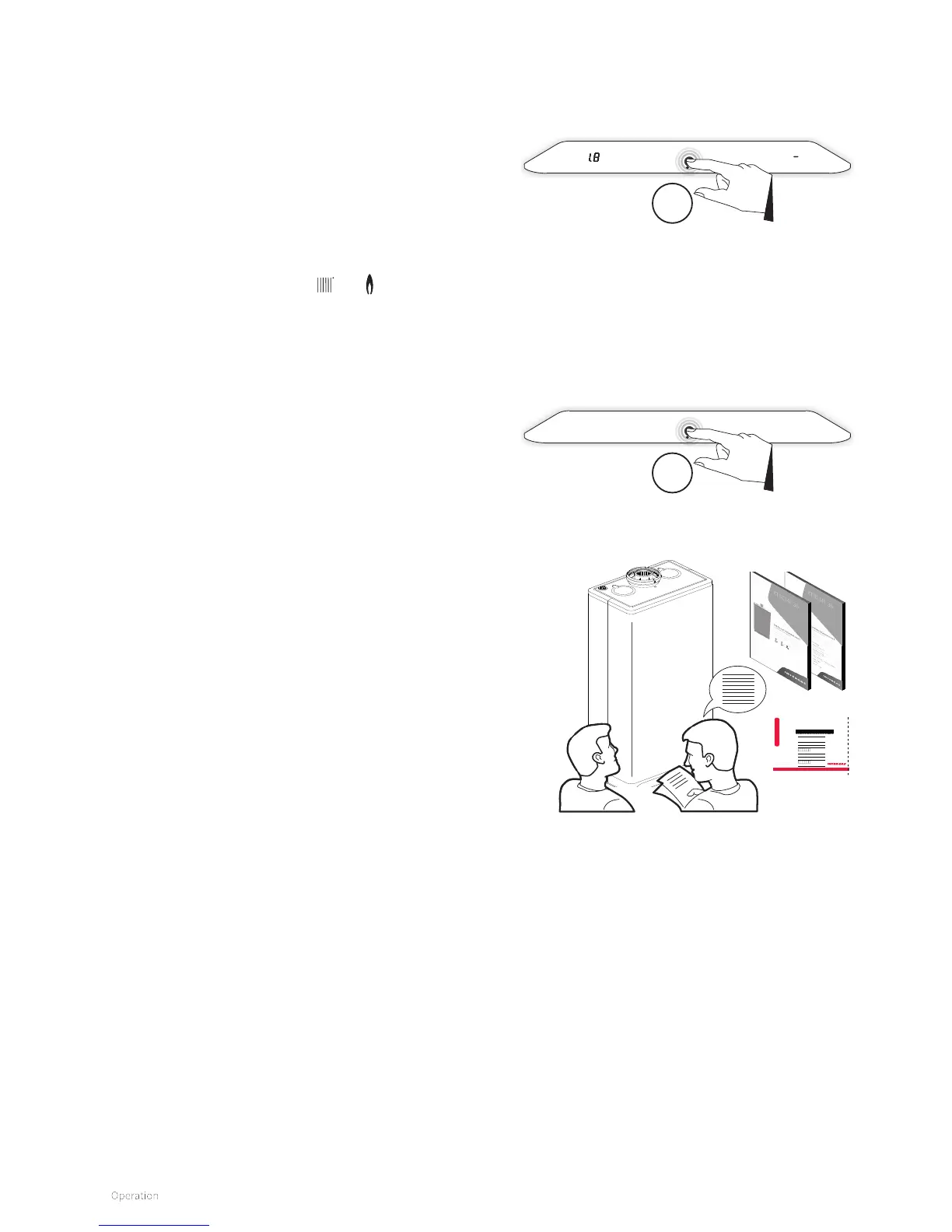
► Switch on the boiler by touching just above the power LED
and holding this for 2 seconds.
► Adjust the pump setting depending on the set maximum
capacity and the water-sided resistance of the system.
Increase the pump pressure and the pressure loss of the
boiler; see §8.6.
► Set the temperature of the room thermostat higher than
the room temperature. The boiler is now starting central
heating demand. Symbols
and light up.
► Heat up the system.
► Check whether the set maximum central heating output
is in agreement with the desired value. If necessary, the
maximum central heating output can be adjusted; see §8.3
(parameter P010) and §8.5.
► Check whether the set minimum and maximum values of
the pump performance have been set correctly; see §8.3.
► Switch o the boiler by touching just above the power LED
and holding this for 2 seconds.
► Vent the system aer cooling (top o as needed; see
§7.2.1).
► Now switch on the boiler again by touching just above the
power LED and holding this for 2 seconds.
► Check the heating and the domestic hot water facility for
correct operation.
► Instruct the end user about filling and venting and the
operation of the heating and the domestic hot water facility.
► Give the operation instructions and guarantee card ‘for
customer’ to the end user.
7.3 Commissioning procedure
Switch on boiler
2sec
Switch o boiler
2sec
Comments
► The boiler has a burner controller which ignites the burner,
continuously monitors the flame and controls the fan and
the modulating pump with each heat demand of the heater
or the domestic hot water facility.
► With each heat demand, the circulation pump runs for
heating. The overrun can be set with parameter P033 (see
§8.3).
► The pump automatically runs once per 24 hours for 10
seconds to prevent becoming stuck. The automatic
switching on of the pump takes place 24 hours aer the last
heat demand.
► The pump does not run for the domestic hot water facility.




 To Next Page