Chapter 14: Camera settings
108 TruVision DVR 12 User Manual
DVR lets you select which camera (or cameras) is not displayed on the local
monitor unless the user is logged in and has permission to view the camera
images. A covert camera is not displayed on screen when no user is logged in.
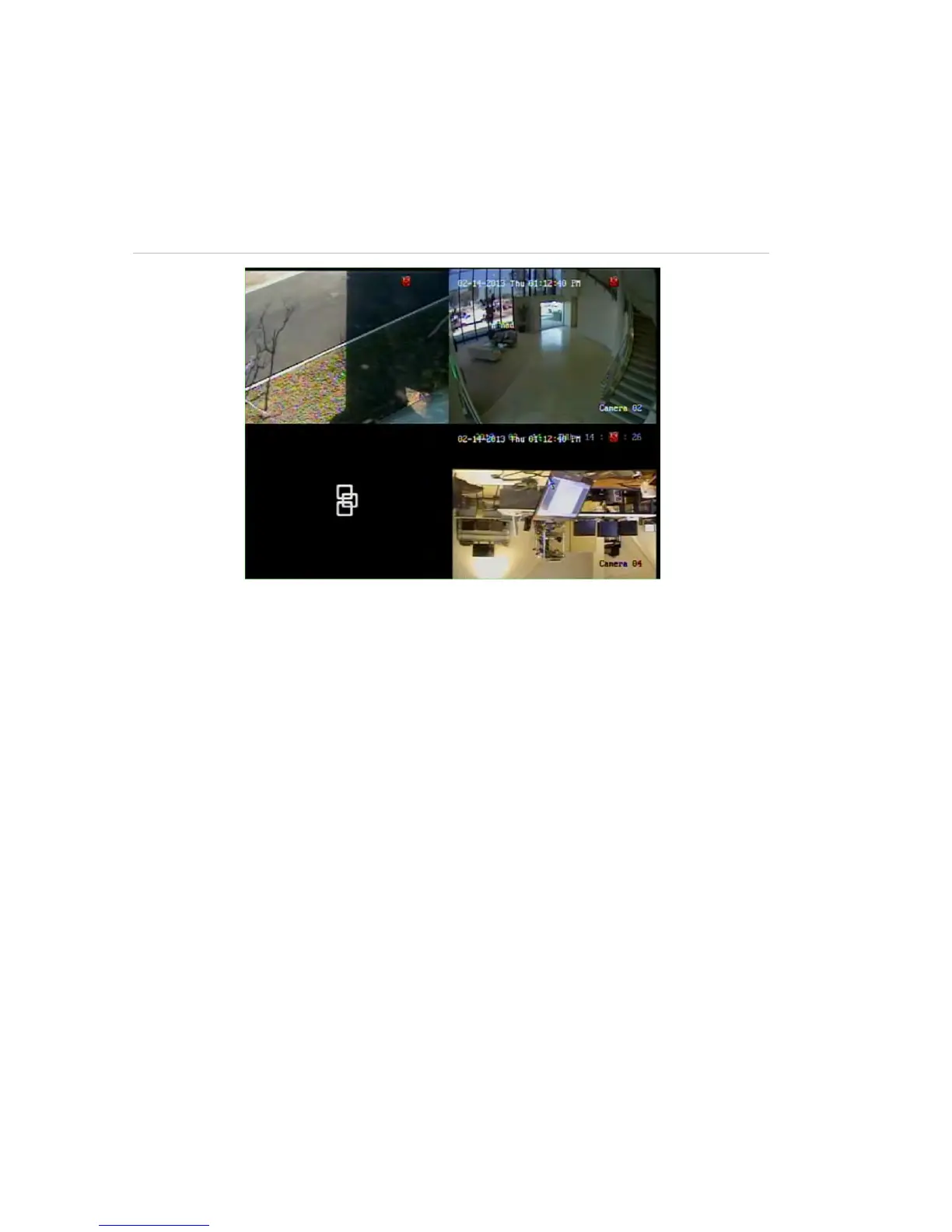
Instead a person walking by sees a black screen with the Interlogix logo. See
Figure 32 below.
Figure 32: Example of a covert camera image
To set up a camera for covert view:
1. From the menu toolbar, click Camera Management > Covert Camera.
2. Check which camera or cameras you want to be covert and click Apply.



 To Next Page