Appendix C: Using the web browser
TruVision DVR 12 User Manual 121
To set up text insertion:
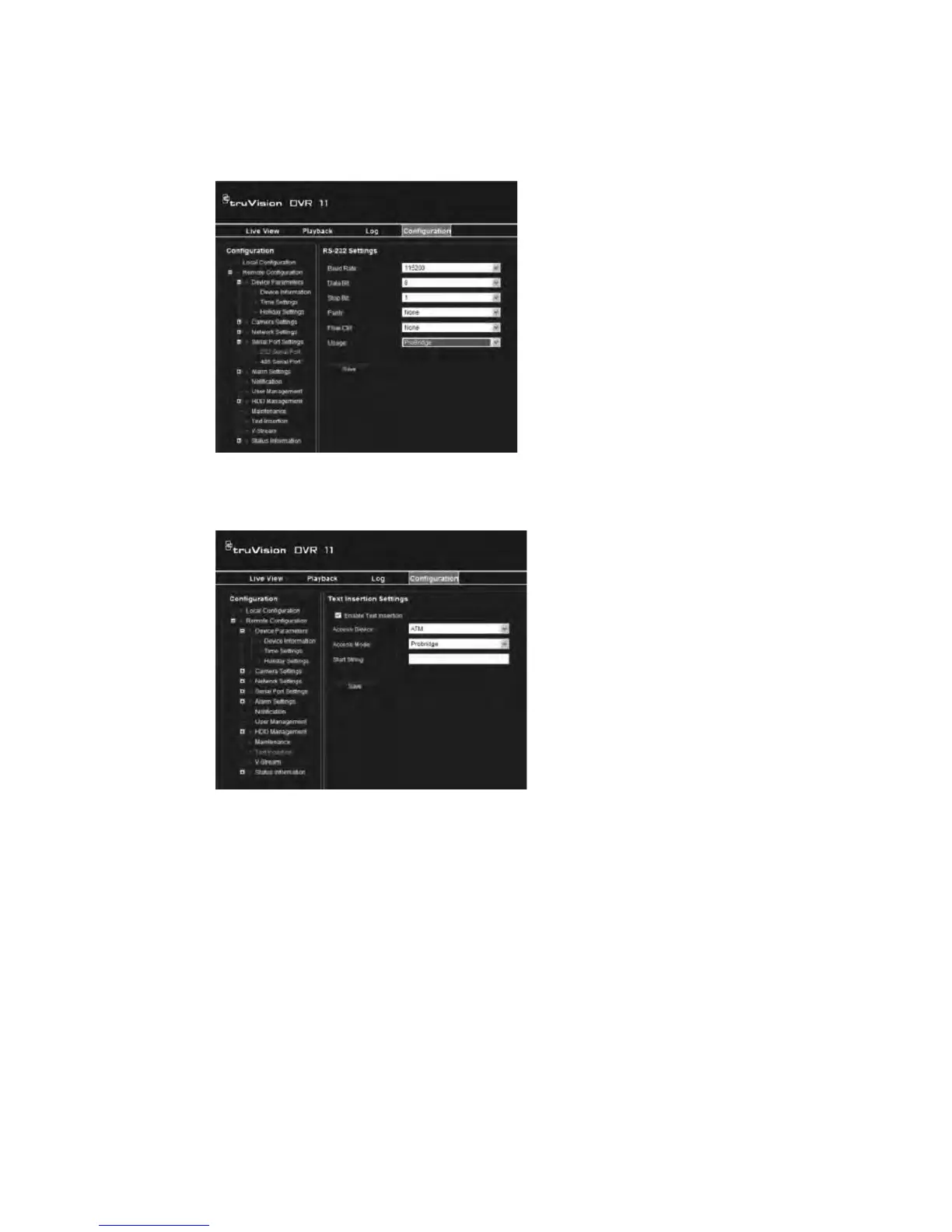
1. Click the Configuration tab in the browser toolbar and then select 232 Serial
Port.
2. Under Usage, select ProBridge.
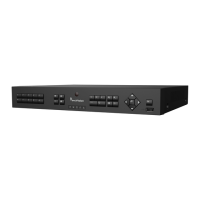
3. Select Text Insertion.
4. Check Enable text insertion.
5. Select the access device from the drop-down list.
6. Select the access mode. Only “ProBridge” is listed.
7. Under “Start String”, enter the desired transaction text such as an ATM
transaction number.
8. Click Apply to save the settings.



 To Next Page