16
3.6.7 Specific configurations of FlexiPump
®
Pro
FlexiPump
®
Pro has a bonus menu: “OUTPUT SETTINGS” .
Name of the user
The introduction of a user name in the device allows this name to appear on the printed labels when
finished.
How to enter a name for the first time:
To enter a new user name, select the line “N A M E ” and press on the rotating button. The cursor is then
on the first letter. Press again on the button to change the letter under the cursor.
Use the button to select the first letter of the name then press to confirm.
The cursor moves when the next letter, and then proceed to all the letters of the name you want to enter.
When you have entered and validated the last letter, press "esc." twice.
How to change the name:
To change the user name, select the line “NA M E ” and press on the rotating button. The cursor is then
on the first letter. Then select with the rotating button the first letter you want to change and press on to
validate.
For all letters (or other typeface) that you want to change, follow these steps: use the rotating button to
select the new letter (or another typeface, such as a punctuation mark) and press the button. The cursor
then moves to the next letter.
For every letter that you do not want to change, simply press on the rotating button. The cursor moves to
the next letter.
For all the letters you wish to erase (when the new name is shorter than the old one), turn the rotating
button to the left until the letter disapears. Press on the button to validate. The cursor then goes to the
next letter.
When you have erased the last letter, press on “esc.” twice.
Language
FlexiPump
®
Pro displays info in french and english. To set the language, select the line
“LANGUAGE” and press on the rotating button to go from a language to another.
Printing formats
FlexiPump
®
Pro enables prints on labels or on paper rolls. To set up the print format, select the line
“PRINTING” and press on the rotating button to go to a format to another.
OUTPUT SETTINGS
FLOW DIRECTION:
ANTI-DROP: oui
SOUND: oui
CONTRAST
DATE / TIME
NAME: bernard
LANGUAGE:english
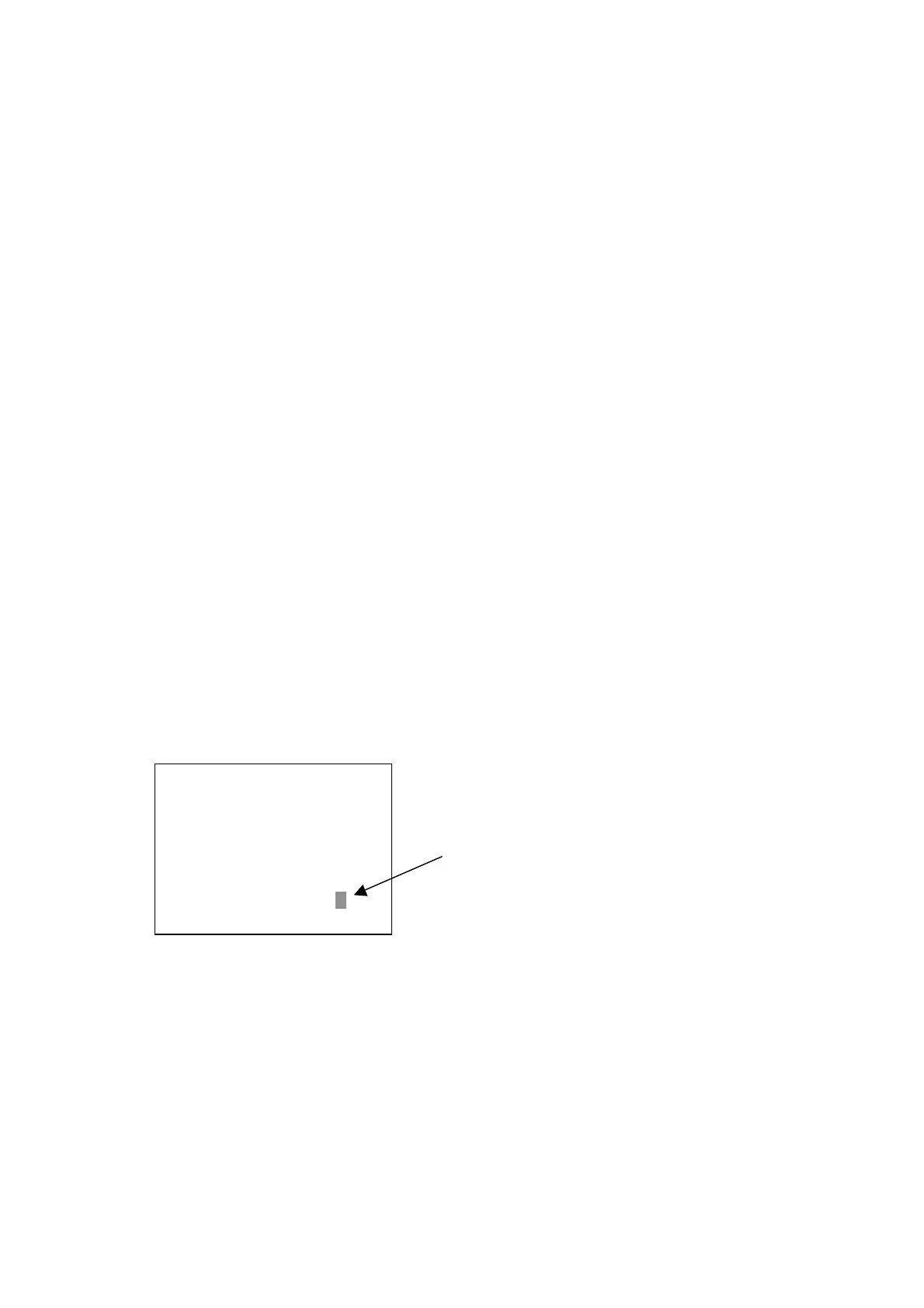
There is no more letter to
add: press twice on “esc.”
to end.


 To Next Page