22
program names. Select the one you want with the rotating button.
Immediate launching
To start the program immediately, without prior verifications, press on the red button “START/STOP”.
Note : if you have an accessory: gun or pedal (see Accessories chapter), you can use it instead of the
“START/STOP” button.
Start after verifications
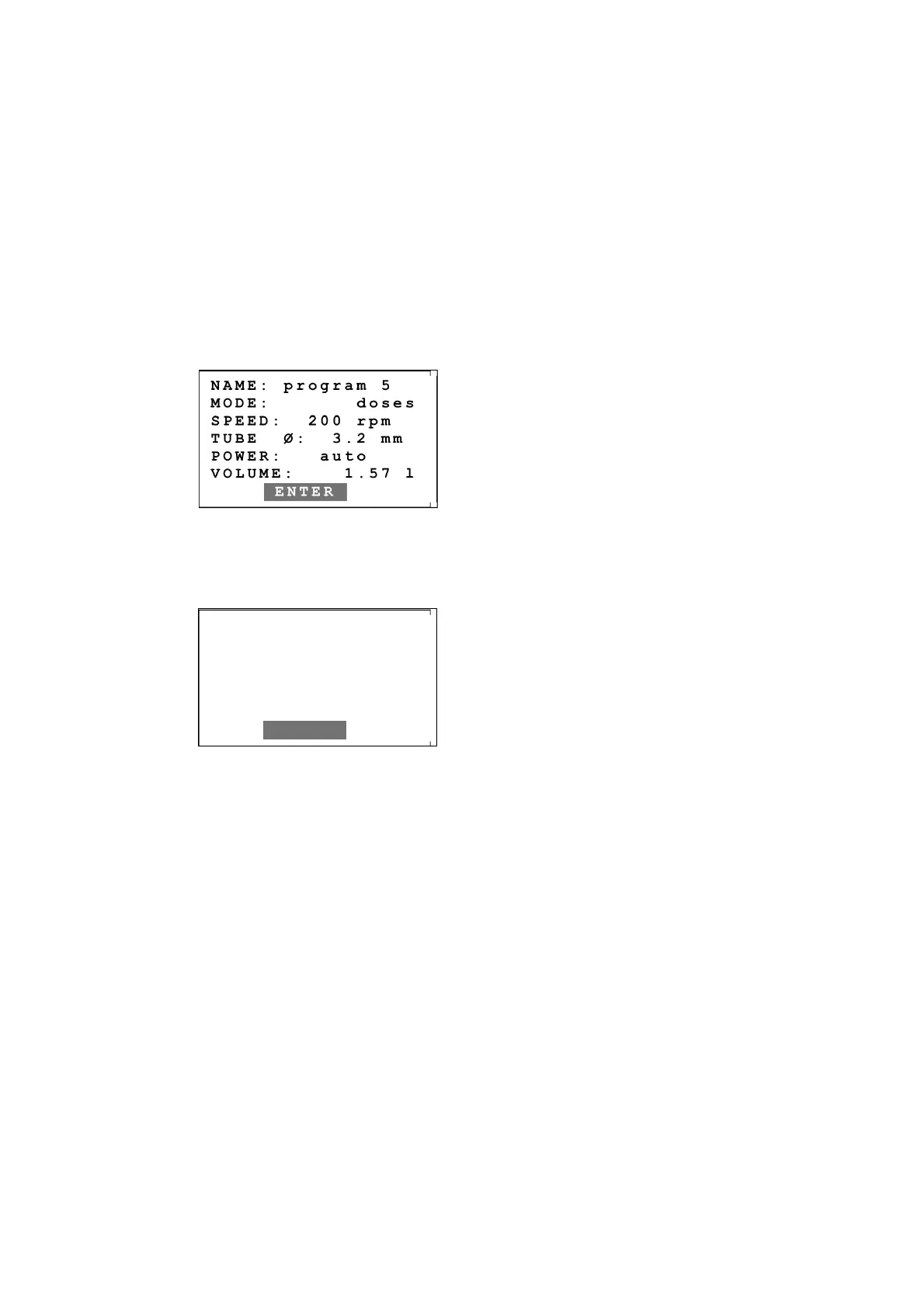
If you validate the choice of a program appears on-screen the display parameters of the chosen
program. You can check that you have chosen the right program. If your program is in multi-dose, turn
the button to scroll the information on-screen.
Example :
Press then on the button to display the last calibration's date.
Example :
Press then on the button or on the red “START/STOP” or on an accessory to start the pump.
Suspend an operation
You can temporarily suspend the operation by 3 ways : by pressing the « START/STOP » button, or on
the rotating button or on the « esc. » button.
You can start again the dispensing by pressing again on the « START/STOP » button or on the rotating
button.
Cancel an operation
When the dispensing is suspended, you can then cancel it totally by pressing on the « esc. » button.
Change the speed during dispensing
While the pump is running, you can change the speed by turning the rotating button, thereby changing
the liquid flow.
The used speed is memorized in the FlexiPump®. When you will launch the same program later, the
pump will run at the speed you had chosen.
Be careful, this may change the calibration value.
NAME: program 5
MODE: doses
SPEED: 200 rpm
TUBE Ø: 3.2 mm
POWER: auto
VOLUME: 1.57 l
ENTER
CALIBRATED ON :
24/02/2012 14:35
START


 To Next Page