Page 38
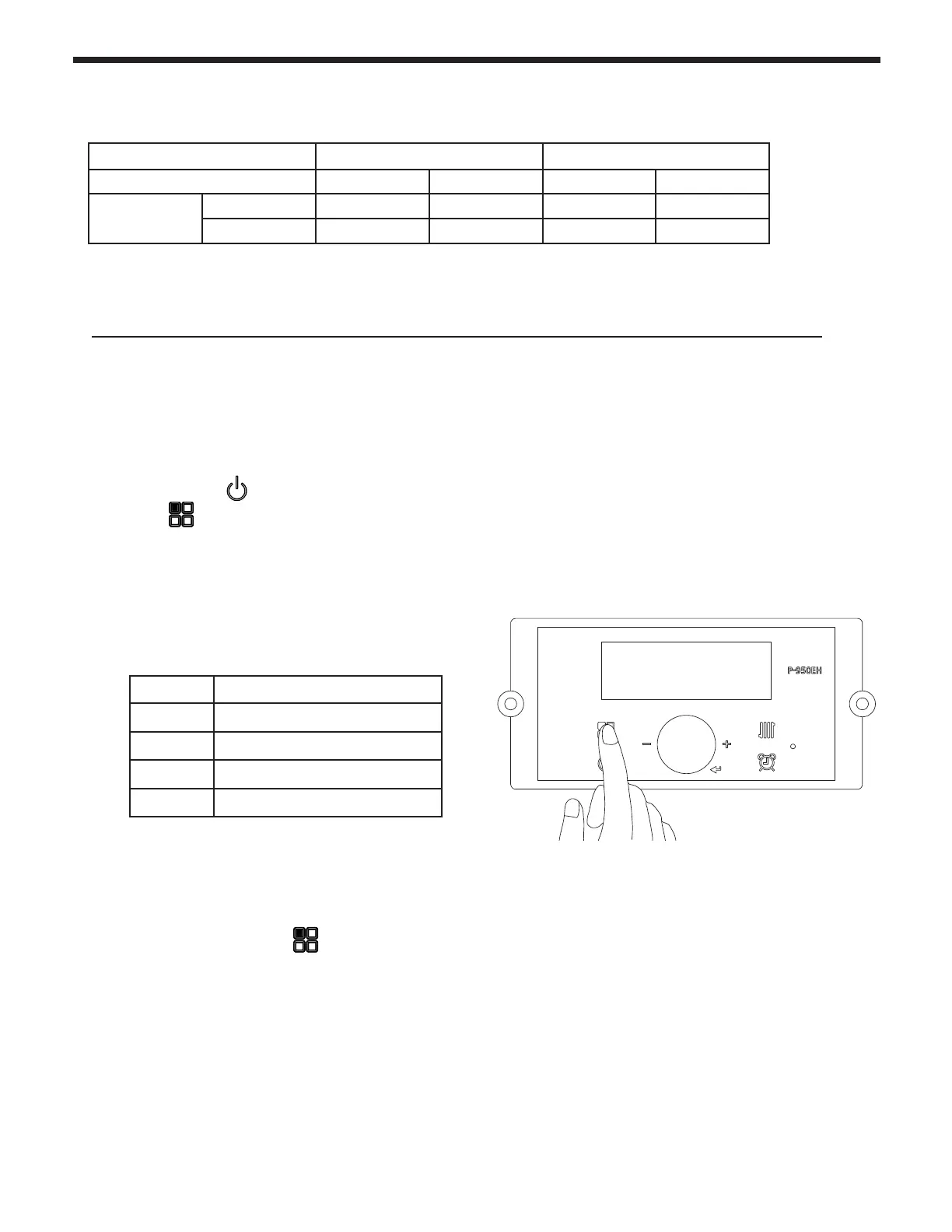
1. With the Power turned OFF, press the 'Modes
button' for 5 seconds to get into the Installer
Parameters Mode.
2. Turn the dial (E) until ‘33:HA’ appears.
3. Press the dial (E).
4. Select the proper high altitude value by turning the dial.
Refer to table.
5. Press the dial again (E) to save the setting.
6. Press the ‘Modes button’ and the display will turn
o.
7. Push the power button on the display to turn the boiler
back on.
Table 11. Manifold Pressures
# Altitude of Installation
0 - 2 0 - 2,000 ft (0 - 609 m)
2 - 5 2,000 - 5,000 ft (609 - 1,522 m)
5 - 8 5,000 - 8,000 ft (1,522 - 2,436 m)
8 - 10 8,000 - 10,000 ft (2,436 - 3,045 m)
The FT is shipped with a default factory setting for installation at an altitude of 0 to 2000’ (approx). For
maximum eciencies at higher altitudes (2,000’ to 10,000’), the FT Boiler has an adjustment in the
Installer Parameters Mode.
Follow these instructions if your installation is at 2,000’ - 10,000’.
Adjusting Combustion (continued)
Manifold Pressure
Natural Gas Liquid Propane
2” VENT 3” VENT 2” VENT 3” VENT
FTHF199
Max Fire -0.129” WC -0.314” WC -0.169” WC -0.173” WC
Min Fire -0.015” WC -0.015” WC -0.015” WC -0.015” WC
Note:
Values in the range of -.001 to -.35 inches of WC are indicative of proper set-up. If your values
are outside this range, call technical support.
4.14 High Altitude Installations. 2,000’ to 10,000’
E



 To Next Page