94
TROUBLESHOOTING AND DISPOSAL
inVENTer Connect controller platform | Operating instructions
7 Troubleshooting and disposal
Overview
Fault Possible cause Remedy
Fans not working Components were not recognised
by the controller/ are not paired
with the controller.
Pair the component again.
Cable not connected. Connect the fan cable.
Controller does not
function
Programming unit is incorrectly/
not connected.
Check wiring.
No electrical contact. Check cables. Ensure cables are stripped
suciently (approx. 8.5 mm).
Indicator lights do not
light up
The respective component,
e.g. controller, is defective.
Swap component.
There is no power. Check power supply.
Components are not
displayed in the app
No component pairing takes place. Carry out the pairing of the component with
the controller and thereby include it in the
controller system ( 3.3).
RED LED ashes on the
inner cover
Firmware and hardware check
of the inner cover were not
successful.
Disconnect the power supply to the inner
cover. Restore the power supply after a
short break.
Check the wiring of inner cover electronics,
e.g. cable break.
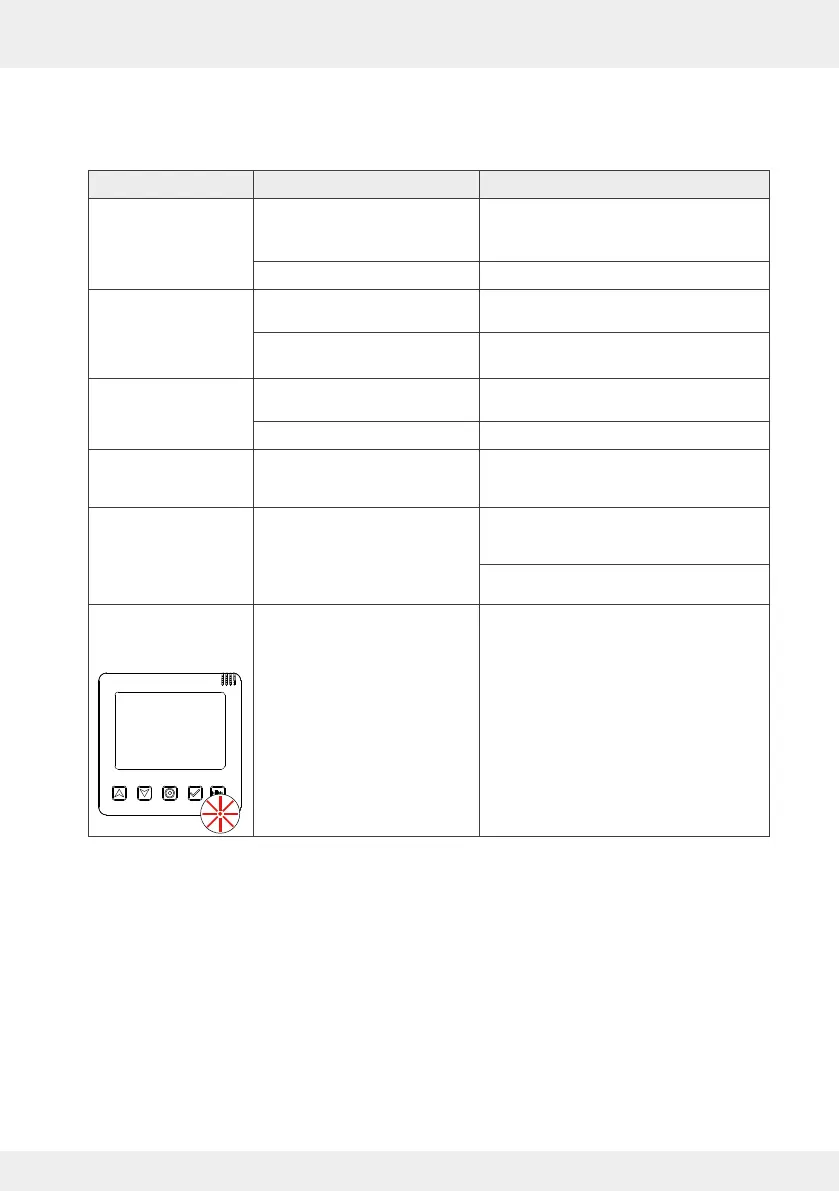
RED LED ashes on
the controller during
commissioning
Firmware and hardware tests of
the controller were not successful.
Disconnect the power supply to all devices
in the system. Restore the power supply
after a short break.
The controller restarts commissioning.



 To Next Page