EasyManua.ls Logo

inVENTer Connect. - User Manual

inVENTer Connect.
104 pages
Print Icon
To Next Page IconTo Next Page
Loading...
www.inventer.eu
Operating Instructions
inVENTer Connect
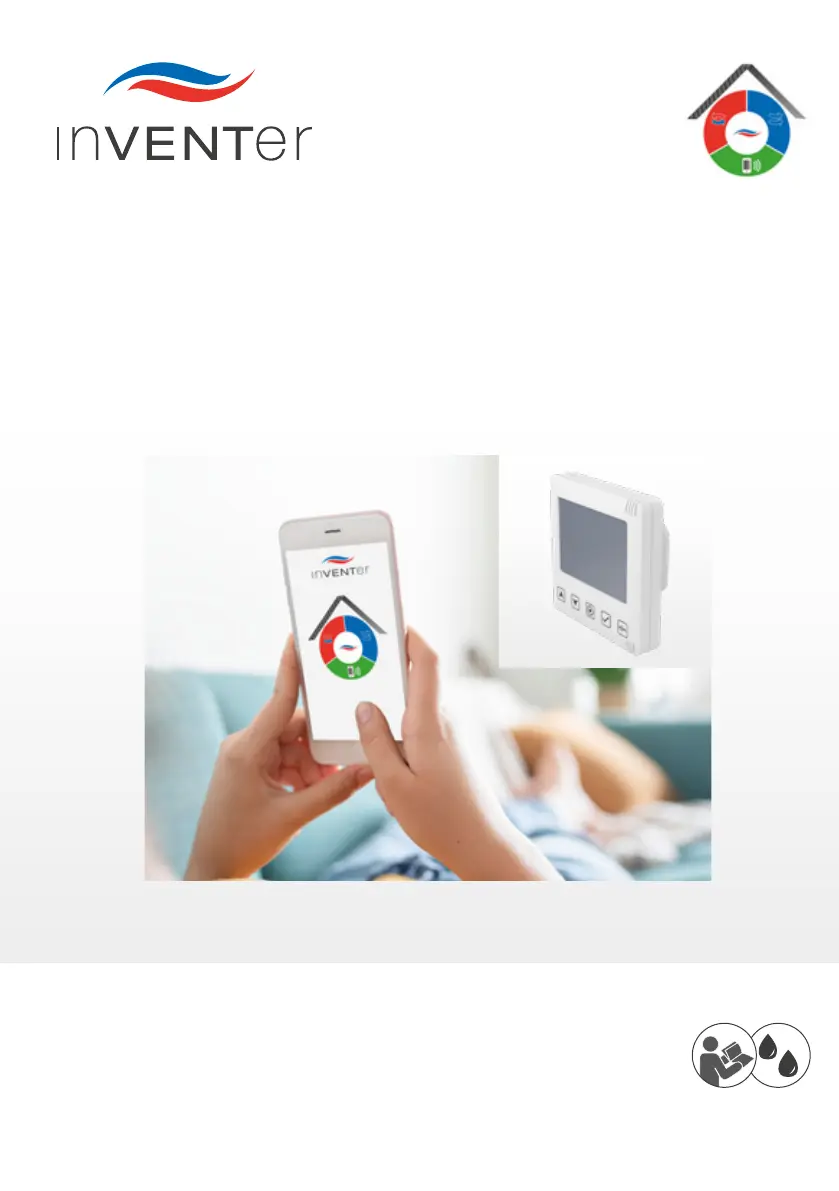
Controller platform

Questions and Answers

Summary

Introduction to inVENTer Connect

Controller Platform Overview

Provides an overview of the inVENTer Connect controller platform and its capabilities.

Legal and Company Information

Trademarks, Copyrights, and Property Rights

Details the legal ownership and usage rights of the document's content.

Disclaimer and Usage Limitations

Outlines the terms, limitations, and scope of the provided documentation.

Company Contact and Publisher Information

Information about inVENTer GmbH, the manufacturer and publisher.

User and Safety Instructions

User Information and General Safety

Essential user guidance and general safety precautions for system operation.

System Overview

Easy Connect e16 Controller Component

Details the central control unit, its functions, and interface.

Connect Inner Cover Component

Explains the role and features of the Connect inner cover in the system.

System Sensor Technology Explained

Overview of the various sensors integrated into the ventilation system.

inVENTer Mobile App Introduction

Guide to the mobile application for controlling and programming the system.

Controller Operation and Setup

Controller Interface and Key Functions

Explains the controller's display screen, sensor keys, and their operations.

Initial Controller Setup Procedure

Step-by-step guide for the initial installation and basic configuration of the controller.

Pairing System Components

Process for connecting and integrating system components with the controller.

Ventilation Zone Status and Selection

How to view and navigate through different ventilation zones and their statuses.

App Operation and Setup

Connecting Controller to the Mobile App

Steps to establish a Bluetooth connection between the controller and the app.

Navigating the inVENTer Mobile App

Overview of the app's main menus, navigation bar, and icons.

Viewing Paired Devices in the App

Accessing the device overview to check status and identification of connected components.

Advanced App Settings and Configuration

Access to advanced system adjustments, profile management, and updates.

Cleaning and Care Procedures

Controller Cleaning and Maintenance

Instructions for cleaning the Easy Connect e16 controller and its ventilation slots.

Inner Cover Cleaning and Filter Replacement

Guidelines for cleaning the inner cover and replacing dust, pollen, or carbon filters.

Sensor Cleaning and Battery Replacement

Procedures for cleaning sensors and replacing batteries in the humidity/temperature sensors.

Accessories and Spare Parts

inVENTer Connect System Components List

Catalog of available accessories and spare parts for the system.

Troubleshooting and Disposal

Common Faults and Remedies

Guide to identifying and resolving common operational issues and errors.

Component Error Codes

Explains error codes and their corresponding LED/display indicators.

Disposal Recommendations

Information on the proper and environmentally friendly disposal of system components.

Warranty, Guarantee, and Service

Product Warranty and Guarantee Terms

Details on the warranty period, coverage, and manufacturer's guarantee.

Service Claims and Technical Support

Procedures for handling service claims and contacting technical customer support.

Annex: Ventilation Profile Details

Time-Controlled Ventilation Profiles

Schedules for predefined ventilation profiles based on time and day.

Automatic Ventilation Profile Functionality

Explanation of automatic ventilation modes based on environmental conditions.

inVENTer Connect. Specifications

General IconGeneral
CategoryControl Systems
ManufacturerinVENTer GmbH
CompatibilityinVENTer Ventilation Systems
Operating Temperature0 °C to +40 °C
Storage Temperature-20°C to +60°C
Protection ClassIP20
CommunicationWi-Fi
App SupportiOS, Android