Cub Instrument User Manual V2.4
Unrivalled Gas Detection. Page 34 of 46 ionscience.com
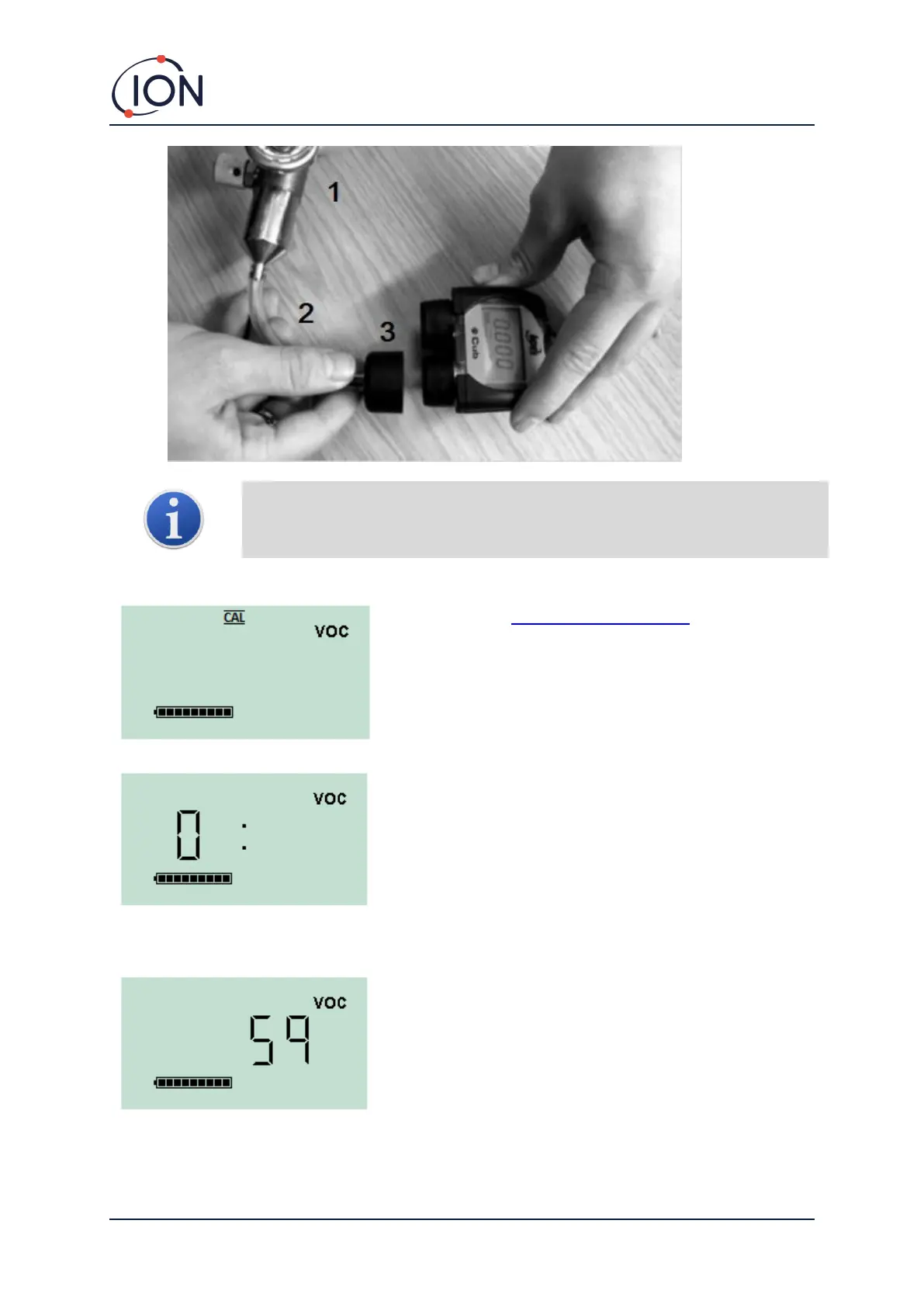
Important note: The use of Silicon pipe should be avoided as VOC gases can
permeate the walls of the pipe.
Remote Calibration Procedure
Access the Cub’s remote calibration screen.
Press and hold the multi-function button until the Cub
beeps then release it quickly to avoid switching it off.
This initiates the Zero stage of the procedure. The screen
will display a ‘0’.
Connect a clean ambient air supply or a bottle of
compressed synthetic air.
Switch on the gas supply and then press the multi-function
button.
The screen will change and display a live reading from the
sensor. This number does not relate to gas concentration, it
simply indicates if the sensor output is changing.
The reading should decrease. Once it stops changing, press
the multi-function button to accept that level. The screen
will flash briefly.
Switch off the synthetic/clean air and disconnect it.


 To Next Page