- 14 -
Web Interface
Connect to your Device
Once the 9828 has been setup correctly, log into the device.
First Option
1.) Go to IP Edit to find the device that is being used
2.) Double click on the device linked and an IE window will appear with the loading screen
Second Option
1.) Open Internet Explorer type in the IP Address of the device followed by the : sign.
For example: http:192.168.122.188:9258
192.168.122.188 – IP Address
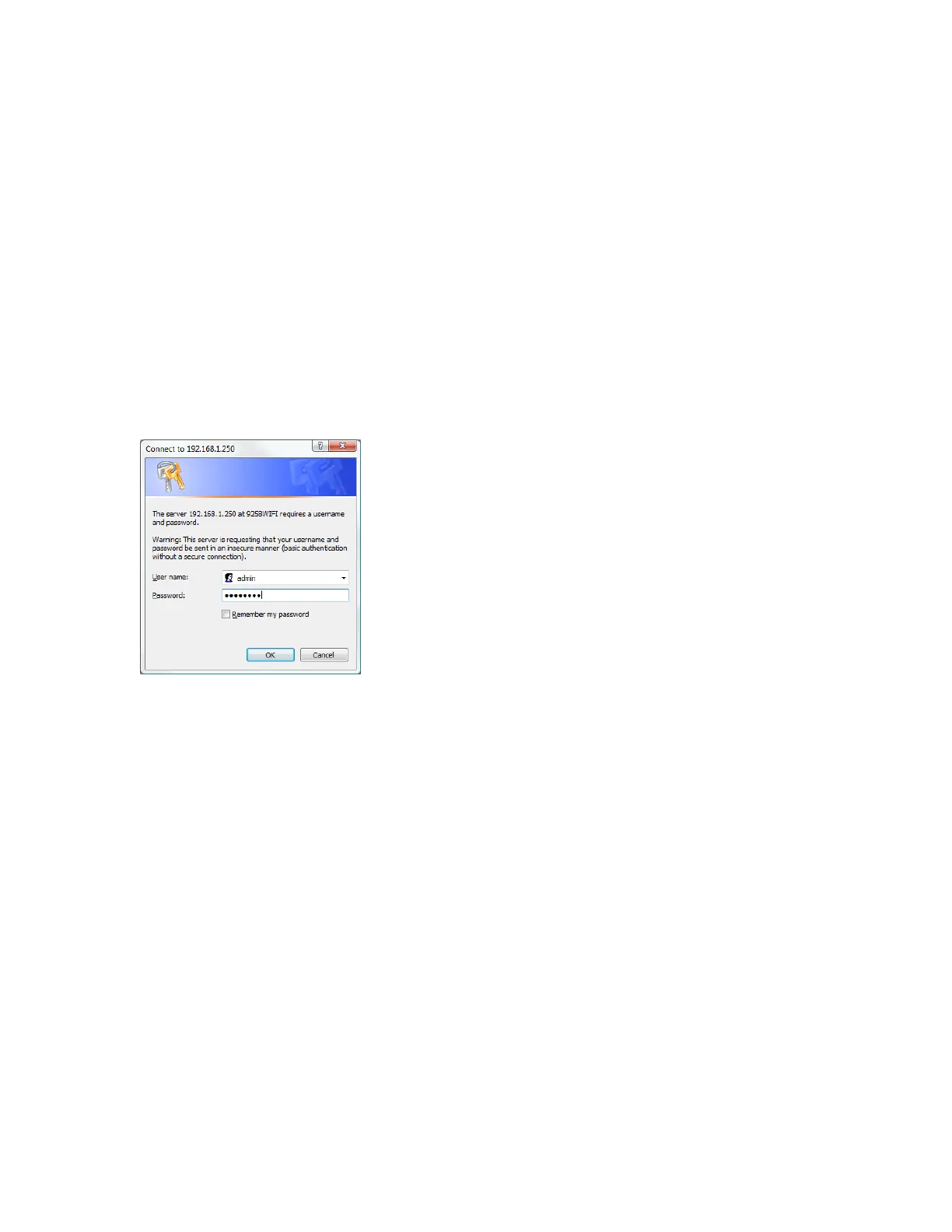
2.) Once you have typed in the IP address of the 9828 and it is ready to be worked.
The default Username and Password for the 9828
Username : admin
Password: 12345678
The Control Console
The Right side Menu of the Web Interface for controlling the functionality and setup of the IP
Power 9828.



 To Next Page