- 16 -
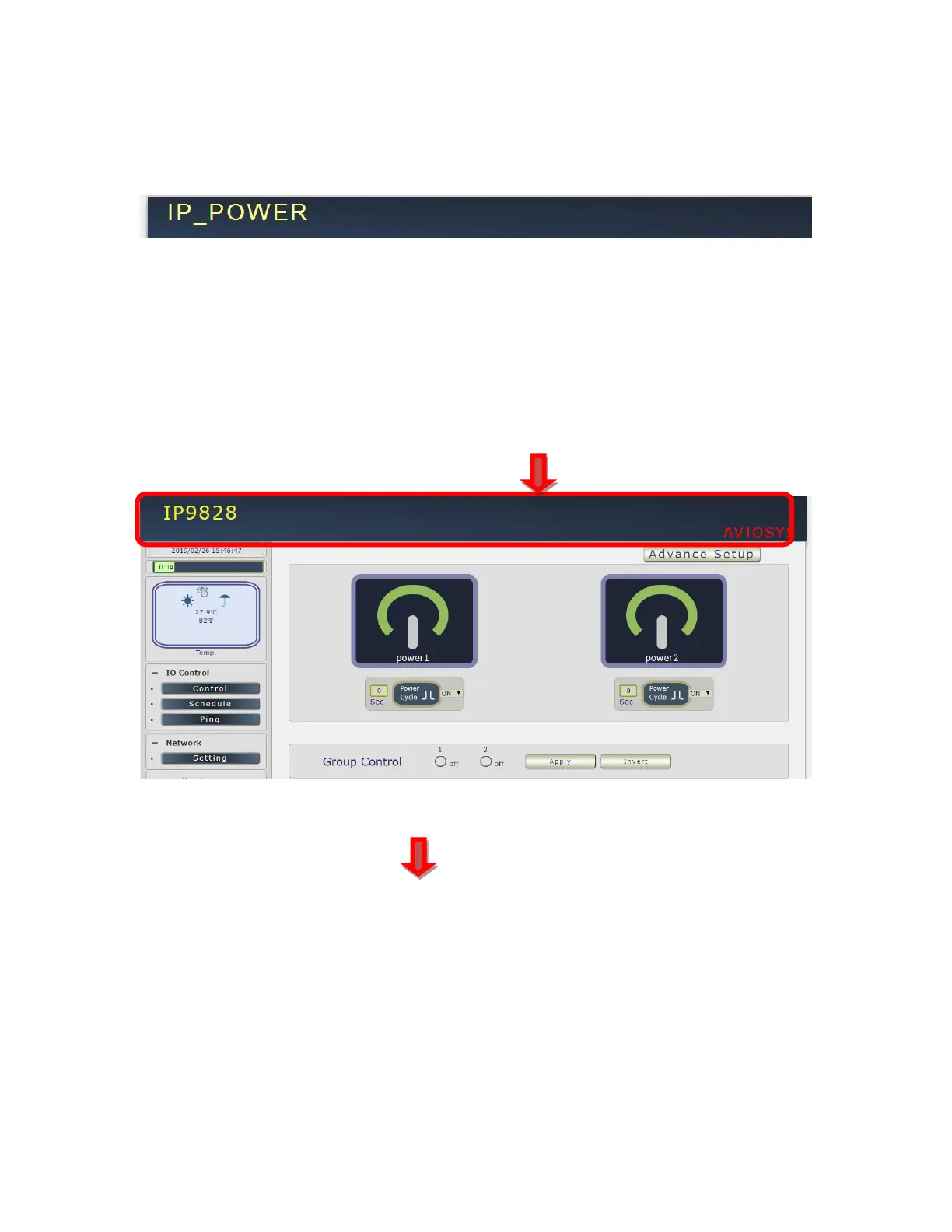
Device name :
This section show the device name
You can change the device name here : Application → IP Server → Device name
Please change the name in English only and do not use symbol like !@#$%^&*()_+
Device Name & Display / Hide the left setting section :
For Smartphone user to control 9828 easily , user can select to show or to hide the left control
section by pressing the blue area near device name for Smartphone control :
- With left control section :
-
Without left control section :



 To Next Page