- 39 -
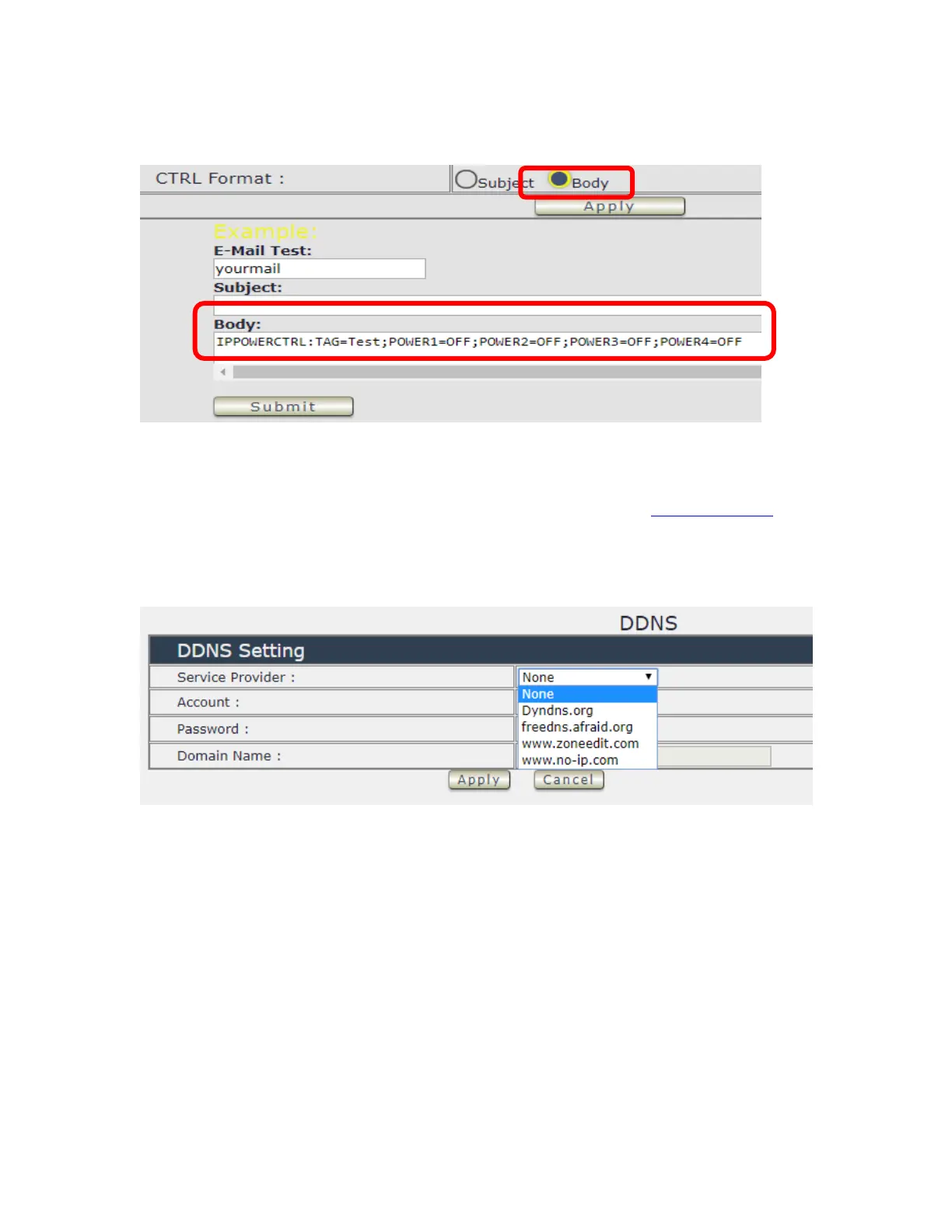
⚫ Execute e-mail command by “ Body “
DDNS
The DDNS section allows user to setup the 9828 with a DDNS server (i.e. www.dyndns.com).
After the server has been setup correctly, enter the necessary information into the 9828 DDNS
settings.
Note : The DNS server will have extra change as apply new account.
Account : the Username / account name of DDNS account
Password : the Password of DDNS account
Domain name : The DDNS name user apply . Ex.: abc.dyndns.org



 To Next Page