- 38 -
Command format :
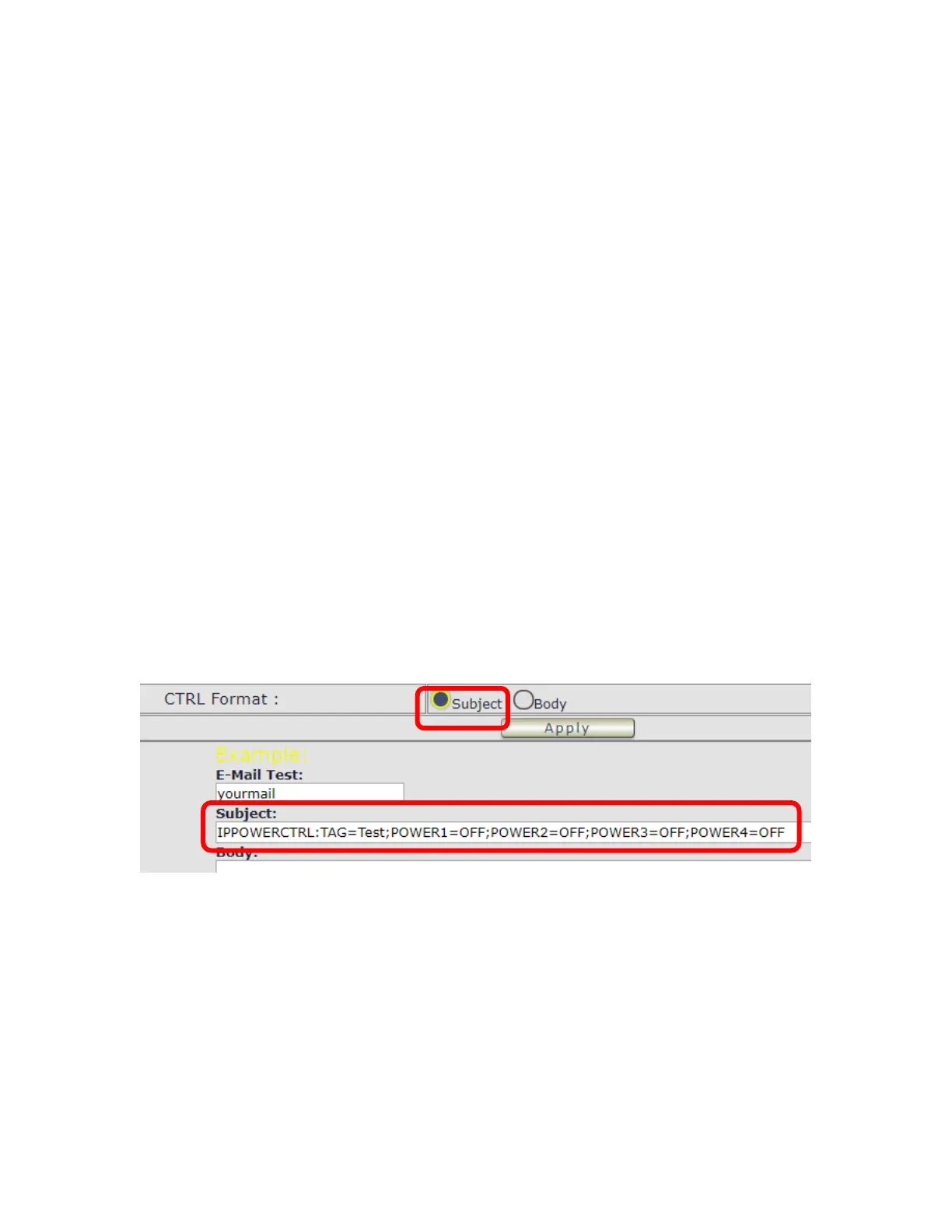
IPPOWERCTRL:TAG=Test;POWER1=OFF;POWER2=OFF;POWER3=OFF;POWER4=OFF
There are 2 section of the command
1. IPPOWERCTRL:TAG=Test
This is command part. Beside the tag message part ( like Test on above example) user can
change in setting section , the other command must be CAPITAL and are fixed content .
2. ;POWER1=OFF;POWER2=OFF;POWER3=OFF;POWER4=OFF
This is to set the outlet number ( POWER1= ) and action ( ON/OFF) , user can only control 1~4
port ON/OFF by e-mail. Do each outlet command
EX.: Put “ 14ON” in tag section and place the command as following : ( at subject or body
depends one user’s setting) :
IPPOWERCTRL:TAG=14ON;POWER1=OFF;POWER4=ON
E-mail example :
⚫ Execute e-mail command by “ Subject “



 To Next Page