- 37 -
⚫ Mail Number : For 9828 to search as command mail in the number of your email receiver
latest . EX. : setup 20 that 9828 will check the latest 20pcs email in receivers mail box for
the 9828 command mail
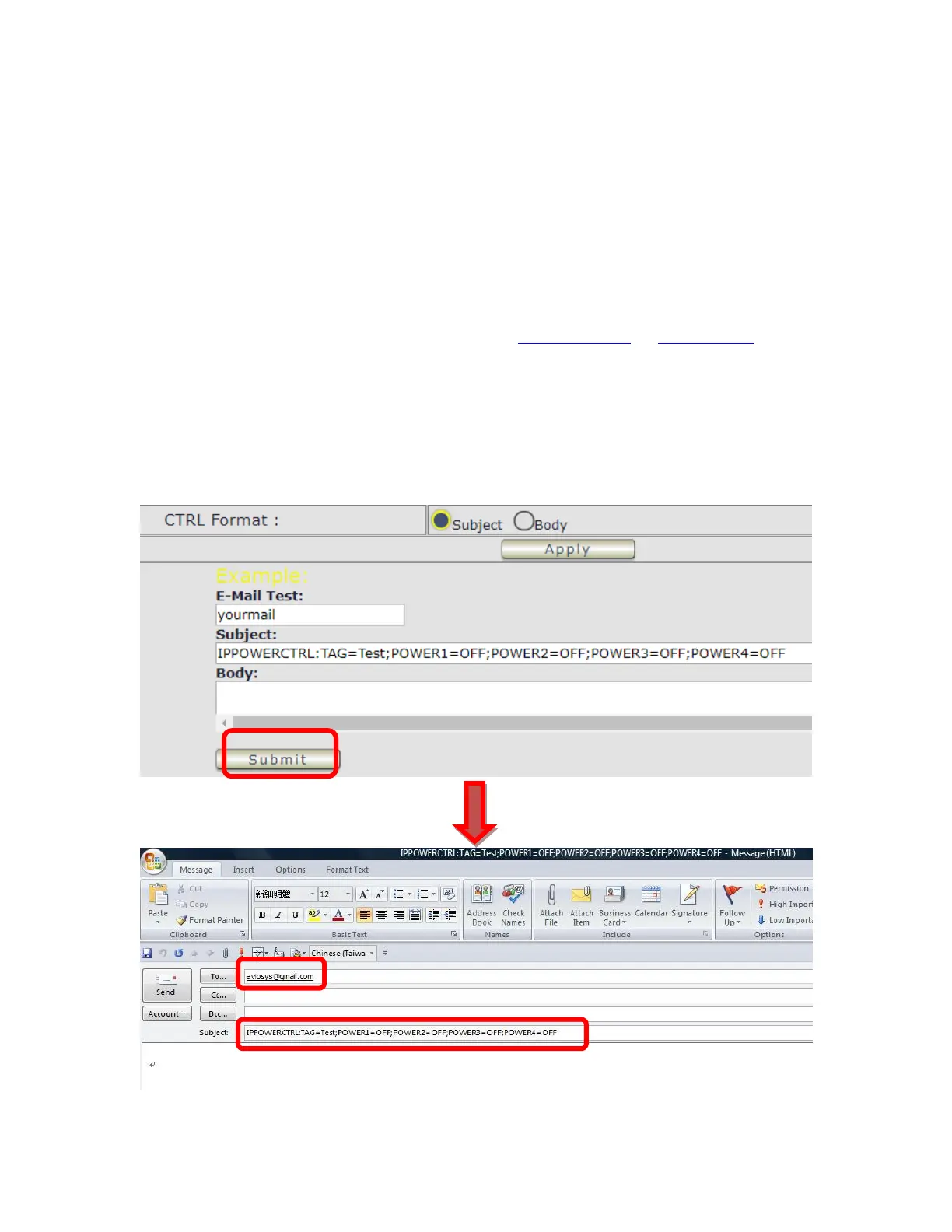
⚫ CTRL format : Control format by subject or by body ( e-mail contents)
For example : Use Gmail as sender and receiver
- Sender`s e-mail : 123@gmail.com
- Username to log in sender`s @gmail : 123@gmail.com or abc@def.com
- Password to log in sender`s @gmail : 12345678
Command format & Example :
User can get the e-mail command contents in the section . And execute an e-mail as press
“Submit “ if user has e-mail setting in the PC as following :



 To Next Page