- 20 -
OFF → ON ( 8 sec ) → OFF
- Original Outlet as “ ON “ , select final status as “ OFF “ & fill 5 sec :
After press power cycle button, the outlet will be ON for 5 seconds and
then turn OFF .
ON ( 5 sec ) →OFF
Notice :
As use Latching Relay in IP 9825 , there is no difference of Normal Closed Relay (NC) or Normal
Open Relay (NO) . As there is no power for 9825 device , the relay status will keep as it is at ON
or at OFF .
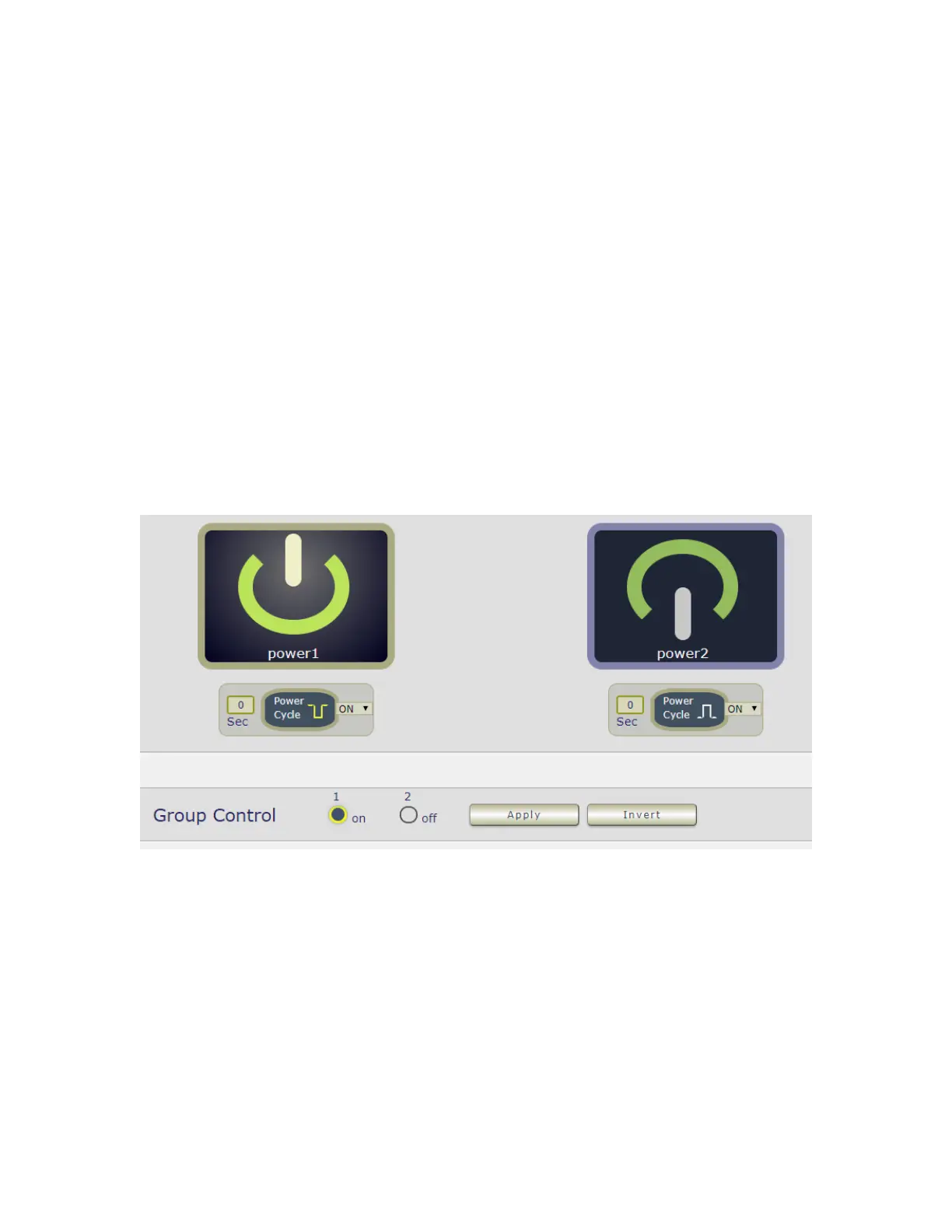
3 Group Setting : User can control more than one outlet by press the right side “Apply
“ button . For safety concern , each port of 9828 will turn ON or OFF one after one .
For example : The below picture means that Power #1 is ON , Power #2 is OFF
The following 3 pictures shows that after press the power cycle with 5 seconds setting , the
outlet “ Power1 “ will turn off for 5 seconds , then turn ON later . The power cycle action will
execute after press the “ Power Cycle “ button .



 To Next Page