- 46 -
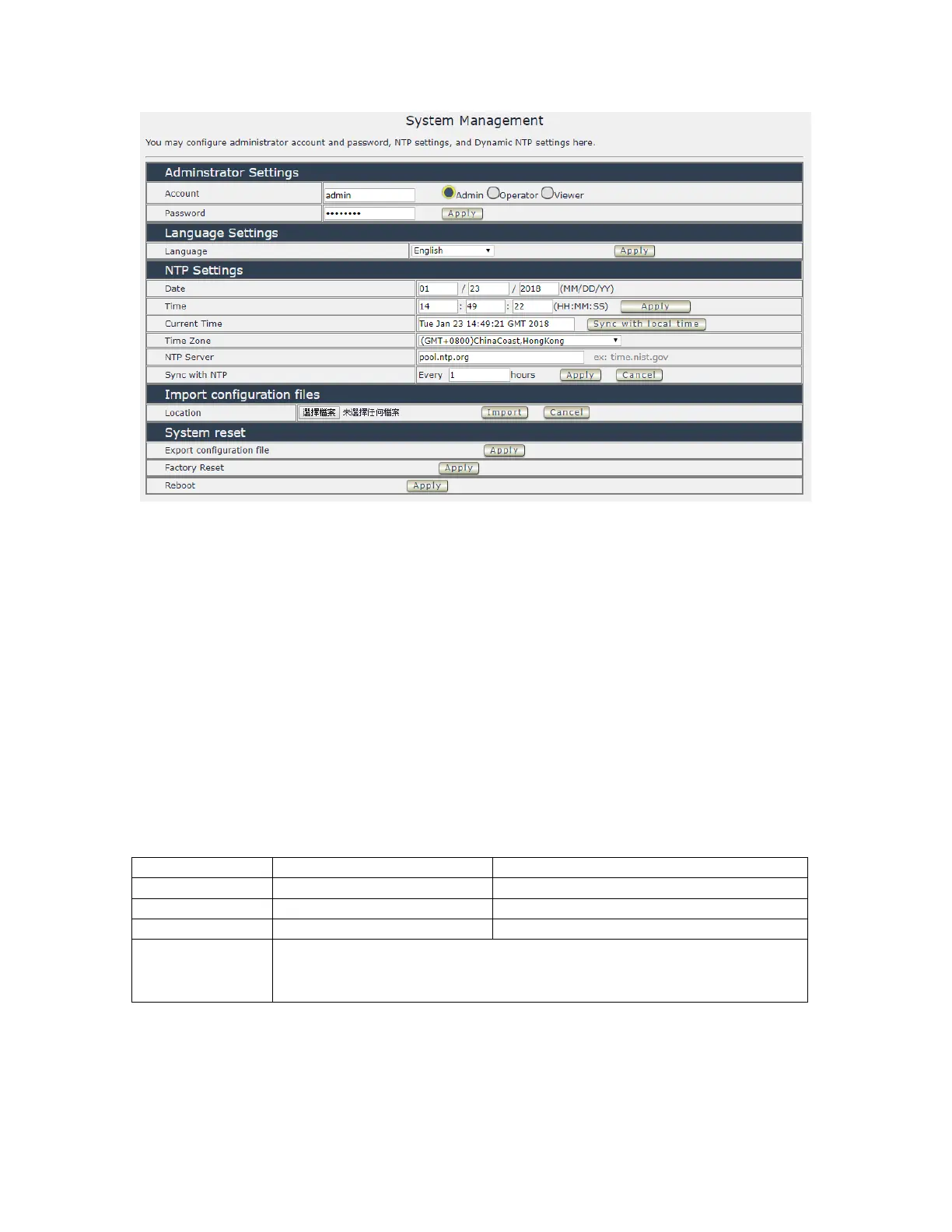
Administrator setting
In this section allows user to change password for 3 different authorization level . The account
name and password can be changed , but each Authorities only support one Account name &
one password.
Administrator: The Administrator has the authority to create other users, remove users, and
control the device. 9828 will ask to log in again if change the Default Setting here.
Operator : The operator can only control the setting of “ IO Control “ section but can not see
other page of 9828 .
Viewer: The viewer can only see the “ IO Control “ section , but can not see other page of 9828.
Default Setting of the Authorities :
Please amend the password as number or English character from
1 to 8 characters.
Do not use special symbol like “ ” ; : ~ ! @ # $ % ^ & * ( )



 To Next Page