- 48 -
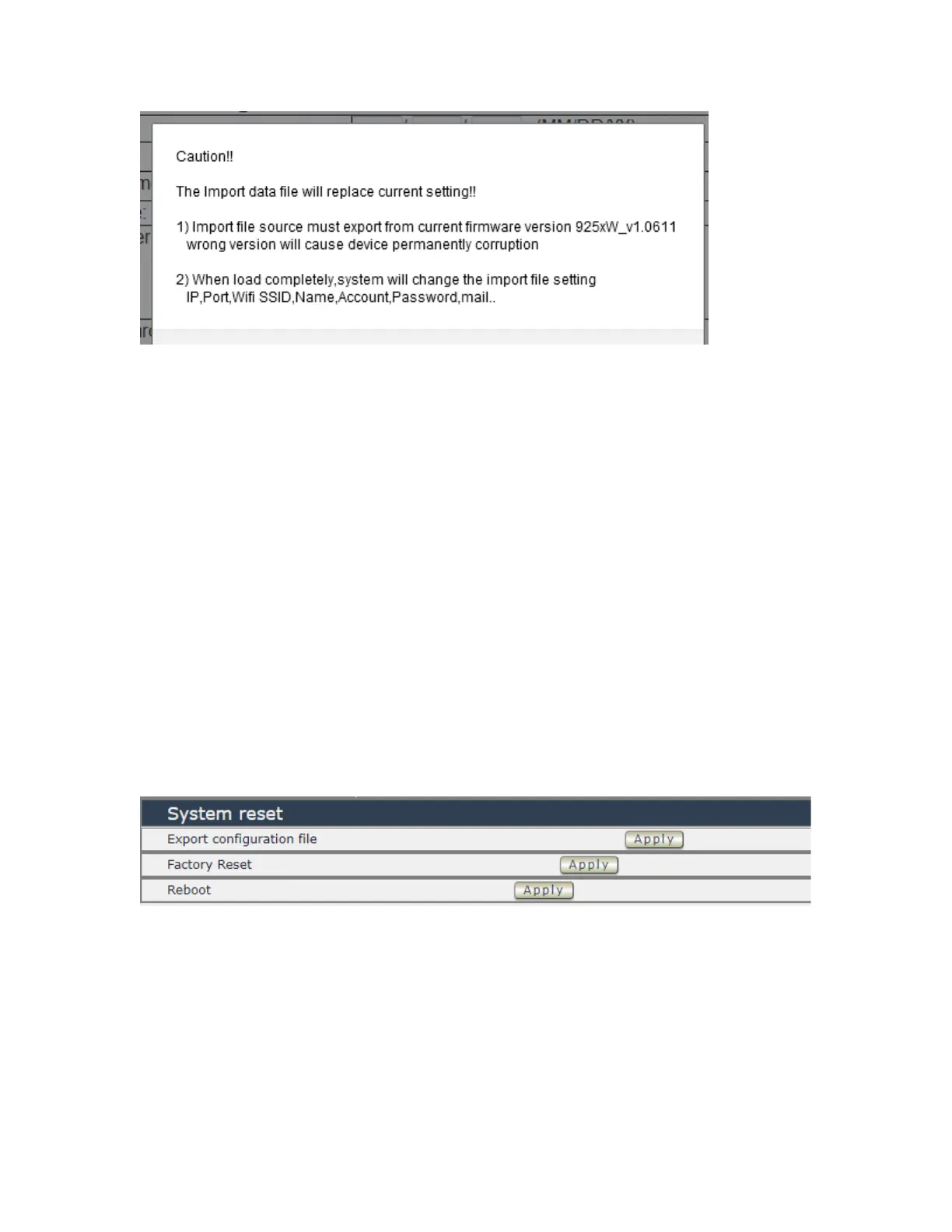
Before click “ Ok “ to import , please do read following notice :
⚫ Do NOT import DAT file which is not export form 9828. The warranty will be invalided if any
wrongdoing from “ Import “ .
⚫ Please do Import the file in LAN / Ethernet . To avoid Import fail , please do not Import file via
Internet
System Information
User can click one button to set back the setting to default or restart the 9828 without device
nearby user side.
Note : The factory default setting of 9828 IP is assigned by DHCP. It will change the IP if
load factory defaults .
- Export configuration file : Export the settings into DAT file for import
to other 98520XX
- Factory Reset : set back to factory default .
- Reboot : 9828 device power reboot



 To Next Page