- 55 -
Q3 : Why can`t I receive e-mail ?
Ans.: Please check the DNS and GATEWAY setting first ( Check user router or ask user
ISP company ) .There is a test button for checking the setting success or fail to
send e-mail.
Notice :
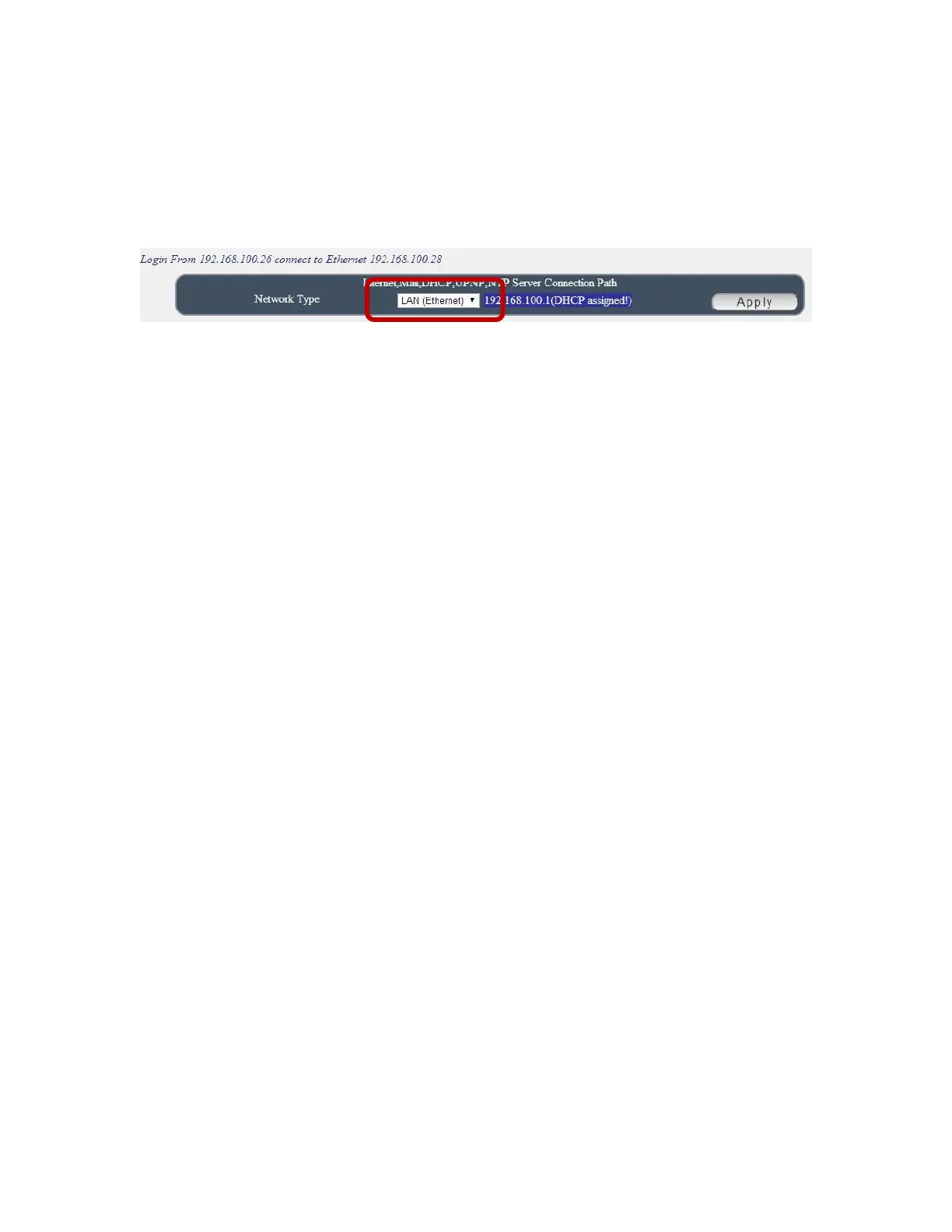
Under DHCP mode - 9828 will get the Network type ( Gateway ) information
automatically. But if under Static mode , please do fill up the correct Network type
( gateway ) .
Step 3 : Connect user PC and 9825 to a router by LAN. Then reboot 9828 (MUST DO) .
After 45 seconds with a long beep sound , user can find the LAN IP of 9825 by
IPEIDT.exe
Q4: How can I reset to default:
Ans : Keep pressing the button of “RESET for 7 seconds and then release it .
To reset to original manufacture settings : press the reset button with a sharpen pin for
7 seconds then RELEASE. There will be total 4 beeps sound which means reset start
and 9825 will be rebooted itself -there is one beep after reboot ) and most information
go back to default setting ( LAN IP ).



 To Previous Page