Getting Help
6
Getting Help
We want to help you enjoy your Ziggi, and we are always available to answer any questions or offer
technical and troubleshooting assistance. Consider using one or more of these resources:
• IPEVO.com – The latest versions of the Ziggi software, user manual, FAQ, and other downloads are
available at this link: http://support.ipevo.com/#Ziggi
• Email – Send us an email at cs@ipevo.com with your question or concern. For the best and most
prompt service, include the version of your operating system with any inquiry, as well as a detailed
explanation of the issue you are experiencing.
• Phone – Customer service representatives are available to assist you Monday through Friday,
from 8 a.m. until 4 p.m. Pacific Standard Time (PST). Our telephone number is 1 (408) 490 – 3085.
• Live Chat – Live Chat is available through our website, www.ipevo.com. A button in the upper
right-hand corner of the main page will take you to an Instant Messaging session in which you can
correspond with a customer service representative directly. This feature is available during the same
hours and days as our telephone support.
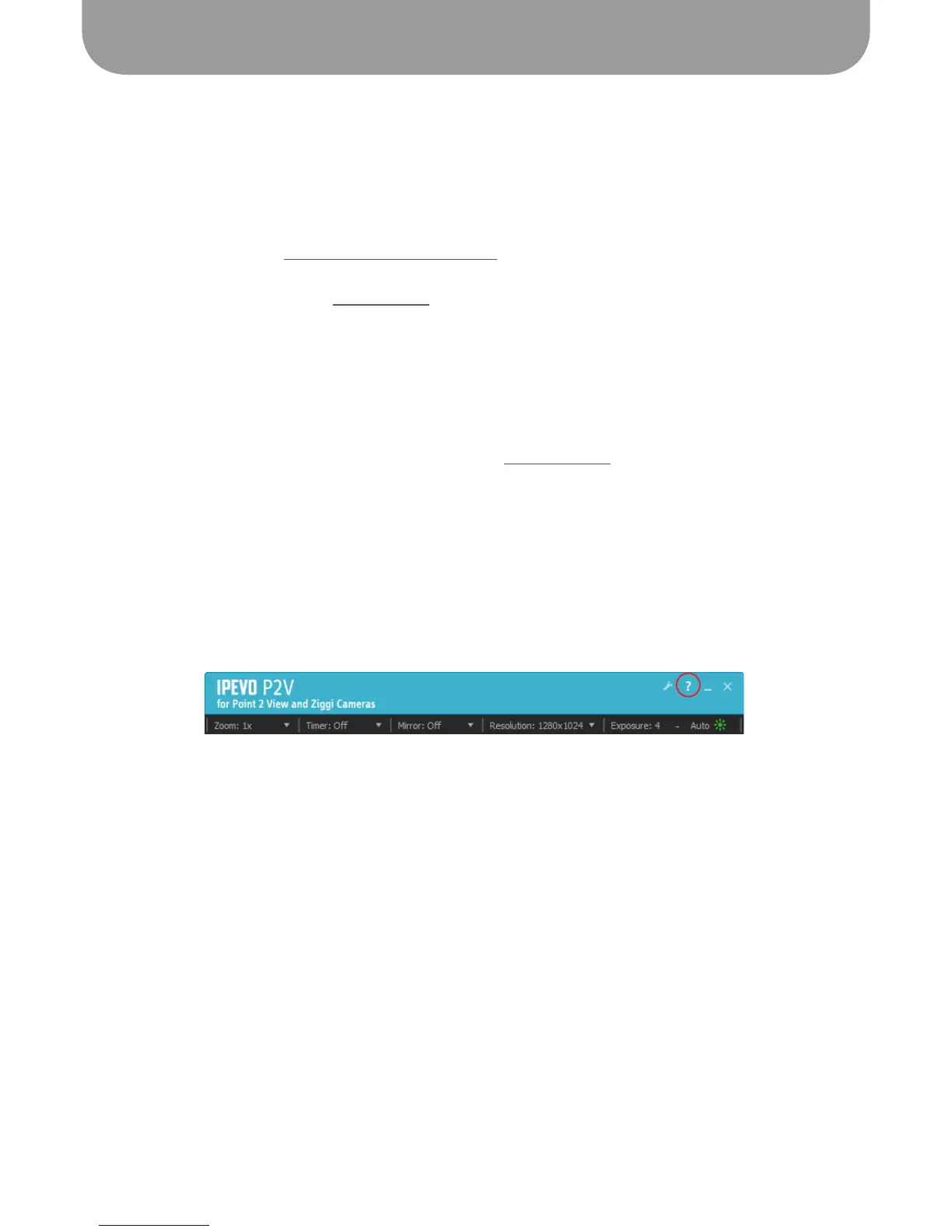
• Help Link – Help, within the P2V software, will bring you to IPEVO’s website for the latest version of the
software and other support and information. To access Help:
Windows – Click on Help (the question mark icon) in the upper right-hand corner of the software.
Macintosh – Select Help > Ziggi Help.



 To Next Page