Viewing Your Software’s Version
7
Viewing Your Software’s Version
We recommend periodically checking IPEVO.com for the latest version of the P2V software. To determine
the software version you are currently running, do one of the following:
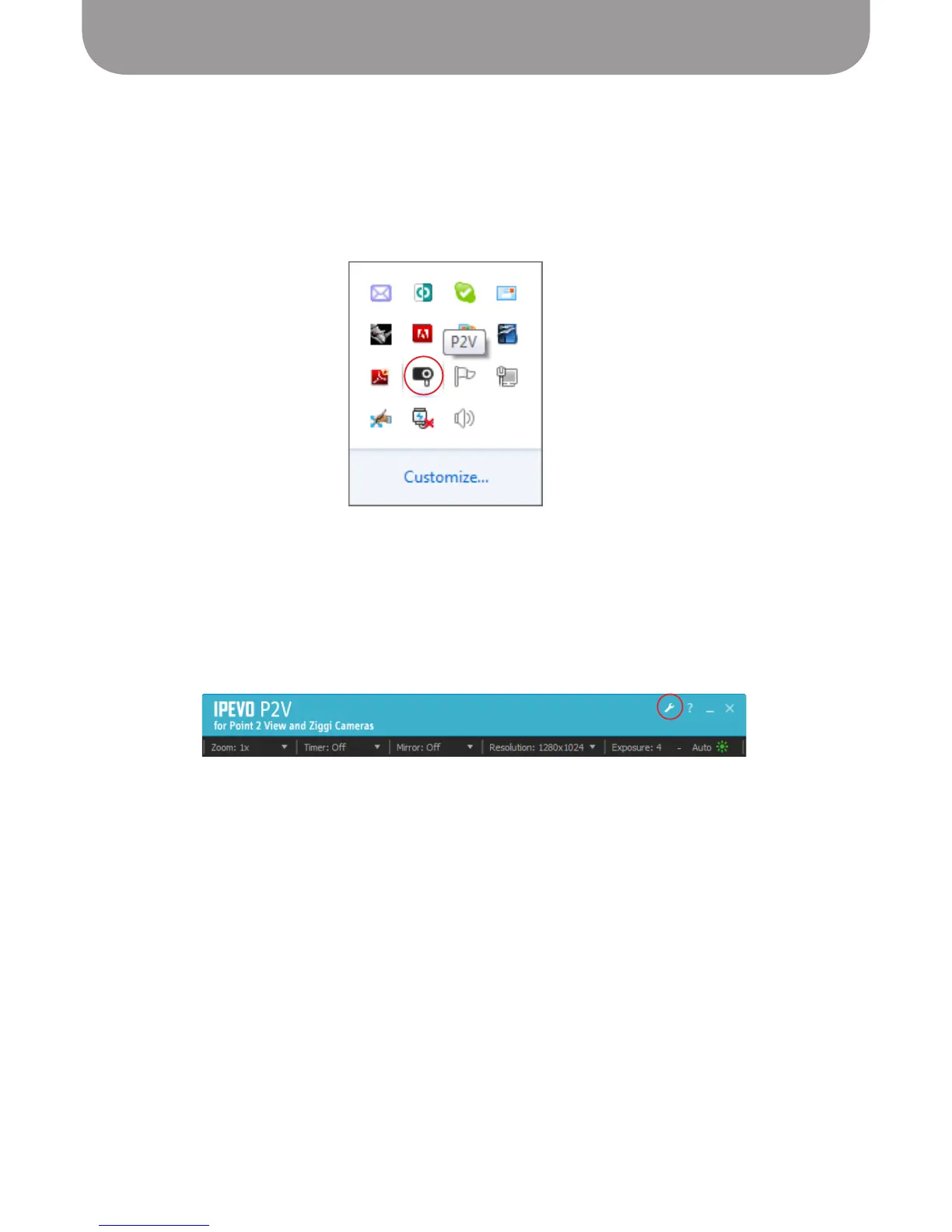
Windows – Right-click the Ziggi icon in the system taskbar, and click About.
Macintosh – Select About > About Ziggi.
You can also view the version information from the Advanced Settings window:
Windows – Click Settings (the wrench icon) in the upper right-hand corner of the software screen,
and select the System tab.
Macintosh – Select Ziggi > Preferences, and select the System tab.



 To Next Page