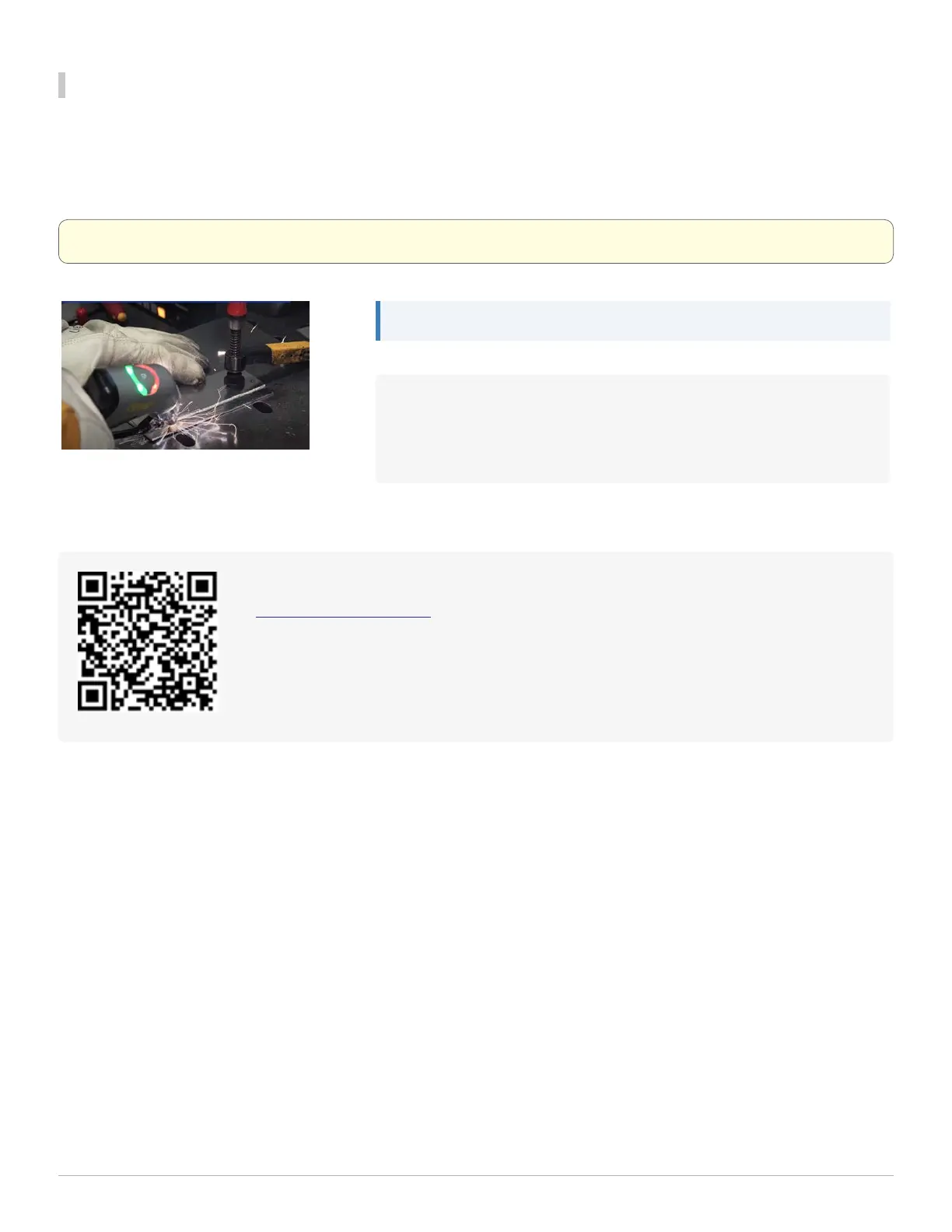
Welding Process Overview
Before starting to weld, press and hold Trigger 1 to activate the gas.
Touch the wire and nozzle to the workpiece to engage the safety interlock. This allows the laser to be activated. Press
Trigger 2 to activate the laser and begin welding.
Warning: The red emissions light will be lit to indicate the laser is active.
Note: The wire must maintain contact with the surface at all times.
If the tip disengages from the workpiece at any point, 'Error 21 -
Nozzle Shutdown' appears on the LightWELDinterface indicating
the laser was deactivated. Reset the error by depressing Trigger 1.
Visit us online for more resources about using the LightWELD:
LightWELD1500 Portal
Download PDF manuals and view videos about how to setup and use your LightWELD
devices, including the wire feeder and LightWELD1500. This portal requires a registered
serial number for your machine.
1 Getting Started
LightWELD WireFeeder Set-Up Guide
25


 To Next Page