MIG-185CMT
7
CONTROL PANEL
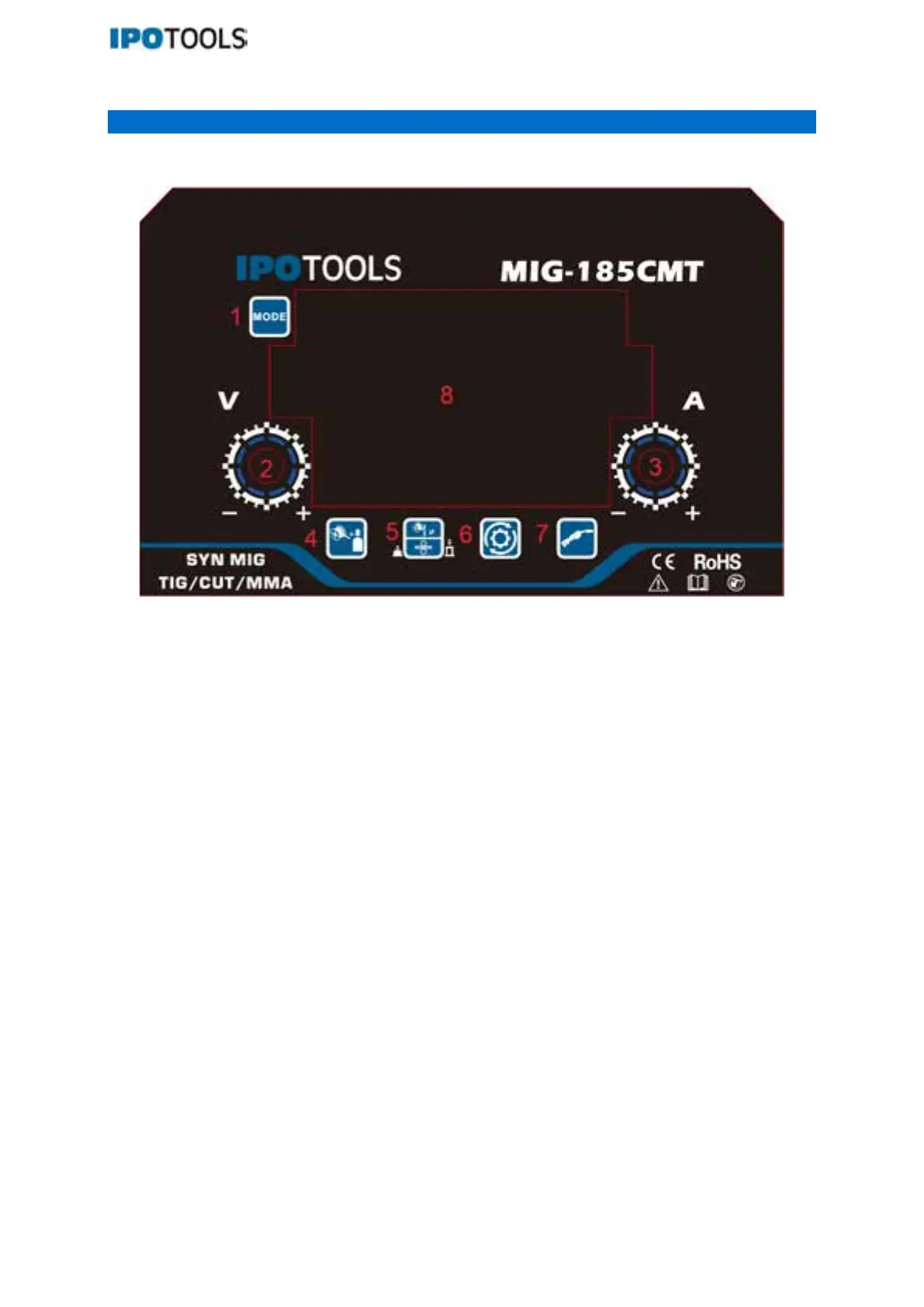
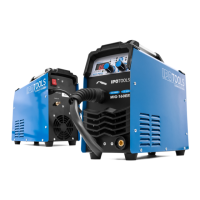
Description of the control panel and the front and back of the appliance:
1. Button for welding modes: MIG, SYN MIG, HF TIG, CUT, MMA
2. Control knob:
2.1 Voltage (deviation +/- 3V) (this feature is only available under SYN MIG)
2.2 Voltage (this feature is only available under MAN (manual MIG))
3. Welding feed speed control knob / Preset welding current knob / Knob for adjustment the values of
parameters
4. Button for selection welding material and welding gas (this feature is only available under SYN
MIG)
5. 5.1 Button for selection diameter of welding wire (this feature is only available under SYN MIG)
5.2 Button for fast wire feeding: holding down this button for 3 seconds will start the fast wire
feeding, and releasing the button will stop the fast wire feeding (this feature is only available
under MAN (manual MIG) and SYN MIG)
6. Button for selection the parameters
6.1 Inductance: setting from -10 to +10 (+10 hard, -10 soft) under MAN (manual MIG), SYN MIG,
6.2 Wire feeding speed at the start of arc (setting from 0 to +10) under MAN (manual MIG), SYN MIG
6.3 Pre-gas (setting from 0 to 2 seconds) under MAN (manual MIG), SYN MIG, HF TIG and CUT
6.4 Post-gas (setting from 1 to 5 seconds) under MAN (manual MIG), SYN MIG, HF TIG and CUT
7. Button for selection MIG torch trigger modes: 2T/4T/ SPOT on MAN (manual MIG), SYN MIG:
SPOT welding time (setting from 0 to 3 seconds)
8.
LCD
Screen



 To Next Page