26 Getting Started
Attaching the Satellite Antenna
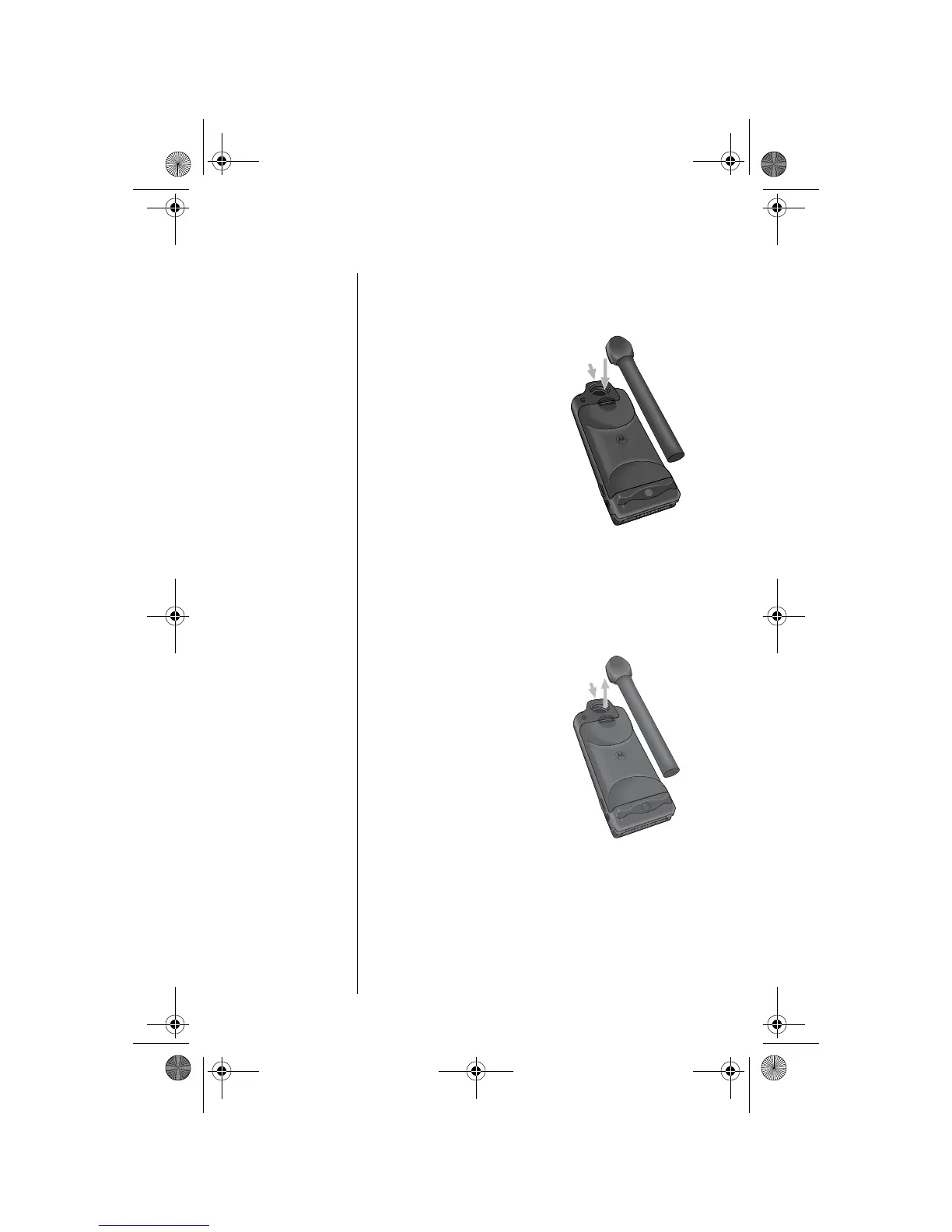
Attach the Antenna
1. Attach the antenna in the down position.
2. Press and hold the
lock release button at
the top of the phone.
3. Push the antenna
until it clicks into place
and release the lock
release button.
Remove the Antenna
You may want to remove the satellite antenna to
attach an auxiliary antenna.
1. Place the antenna in the down position.
2. Press and hold the
lock release button at
the top of the phone.
3. Remove the antenna
by pulling straight out.
3
2
3
2
05GetStart-kg.fm Page 26 Wednesday, November 3, 2004 9:36 PM








 To Next Page