100 Using Calling Features
Viewing the Battery Meter
Use this feature to check the charge level on your
battery.
1. Follow the steps in “Getting to Call Related
Features...” to scroll to
Show Battery Meter, and
the press O to select.
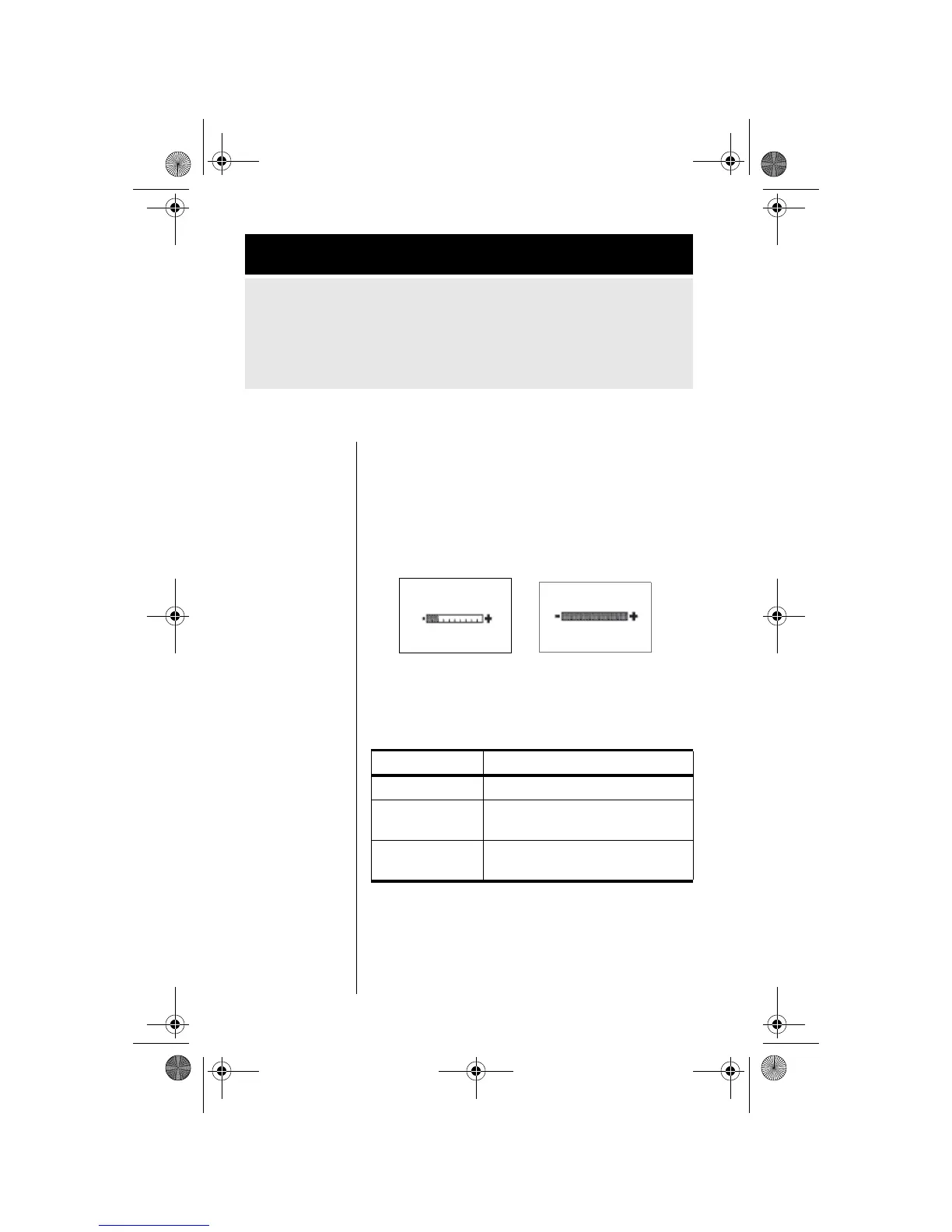
You will see the battery meter:
You may also see one of the following
messages:
2. Press and hold
C to exit.
Getting to Call Related Features...
1. Press M until you see Call Related Features, and then
press
O.
2. Press M to scroll to one of the features described below. You
will see the feature name, followed by
Select?.
Message Description
Charging Battery The battery is being charged.
Fast Charge
Completed
The battery has completed
charging.
Invalid Batt.
You have an unapproved battery
inserted in your phone.
Low Charge High Charge
Battery
Quit?
Battery
Quit?
10CallRelated-kg.fm Page 100 Wednesday, November 3, 2004 9:37 PM








 To Next Page