Using Your Phone 47
If the call does not connect properly, you may see
the following message:
End a Call
Use one of the following procedures to end a call:
•Press
O
•Press C
Unanswered Calls
If you are away from your phone or choose not to
answer a call, your phone displays the message
Unanswered Call.
Personal Mailbox
Callers who are unable to reach you can leave
numeric, text, and voice messages. The next time
you register with the satellite network you will
receive these messages. Then you will have the
option of saving the message for later viewing.
For information on retrieving messages, see
“Accessing Received Messages” on page 108.
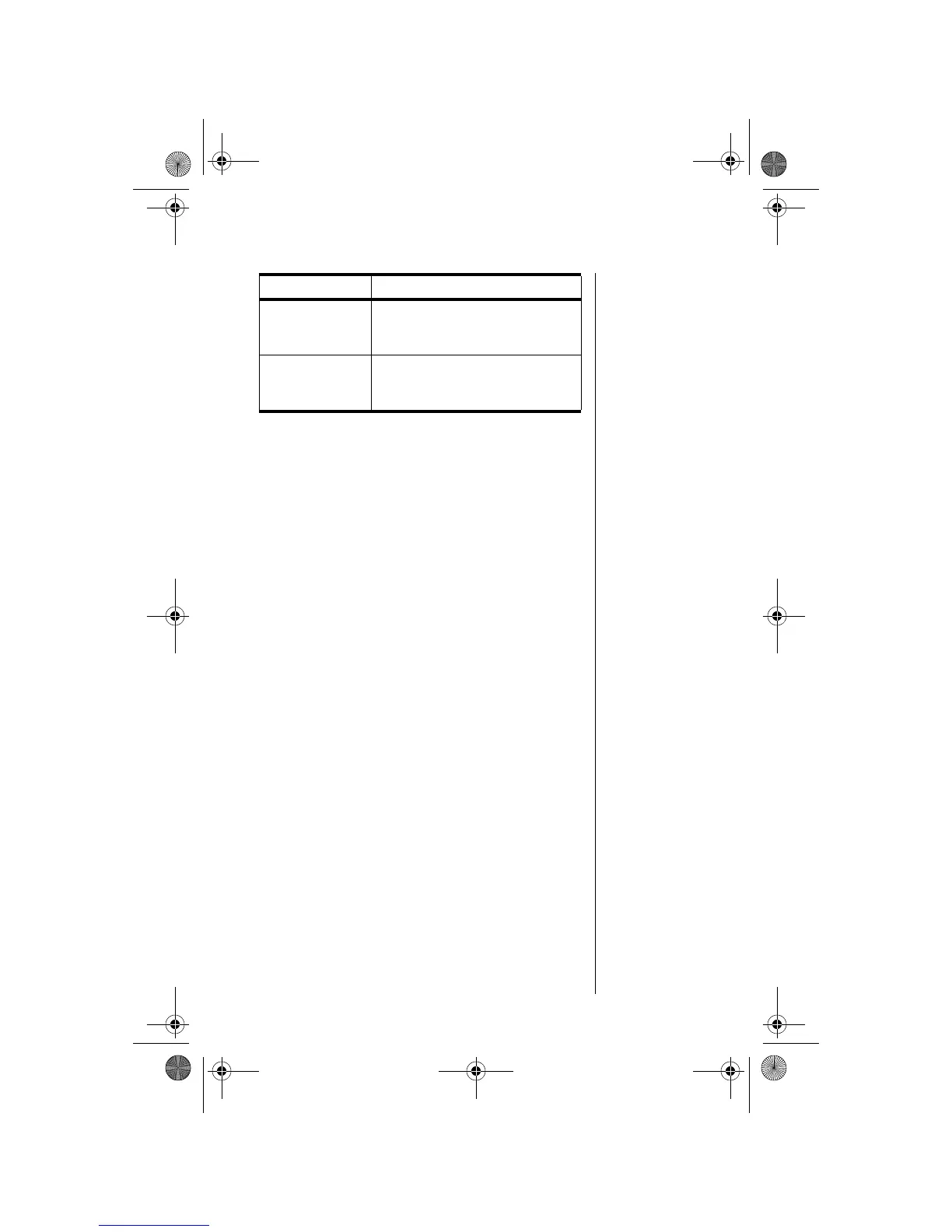
Message Description
Orient Antenna
You need to fully extend the
antenna upwards with a clear
unobstructed view of the sky.
Call Failed
The antenna is not properly
adjusted or the network signal is not
strong enough.
06Using-kg.fm Page 47 Wednesday, November 3, 2004 9:36 PM








 To Next Page