40 Using Your Phone
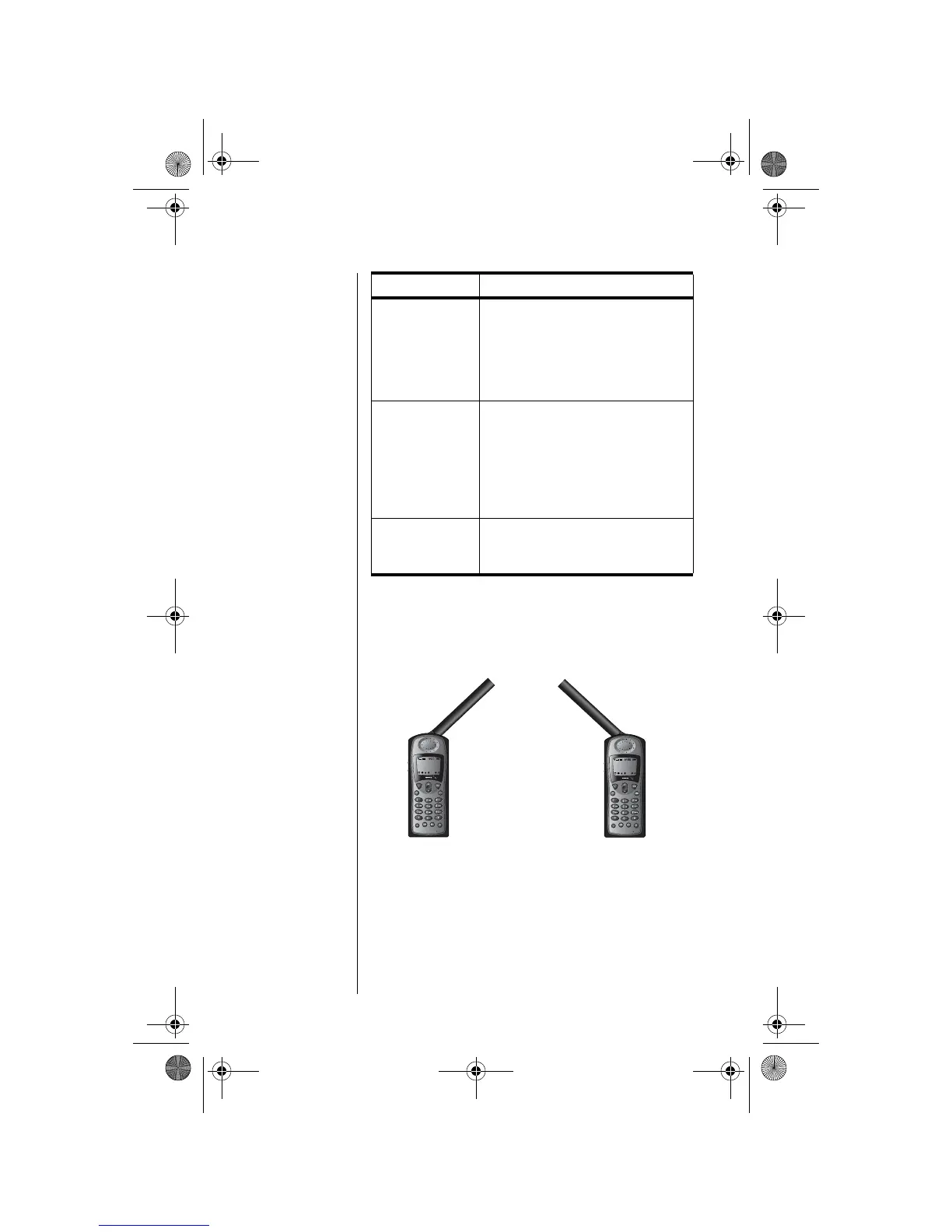
Holding the Phone
1. Rotate the antenna to either the left or right
detent. The antenna will stop here.
Blocked
If the SIM card PIN code is
incorrectly entered three times in a
row, your phone becomes blocked.
See “Unblock the PIN Code” on
page 134 for instructions on how to
unblock it.
! Blocked
If the SIM card PIN2 code is
incorrectly entered three times in a
row, some features (e.g., Fixed
Dialing) become blocked. See
“Unblock the PIN2 Code” on
page 136 for instructions on how to
unblock PIN2.
Bad Card
See Supplier
Your SIM card has been damaged or
incorrectly issued. Contact your
service provider for information.
Message Description
Right DetentLeft Detent
06Using-kg.fm Page 40 Wednesday, November 3, 2004 9:36 PM








 To Next Page