Getting Started 31
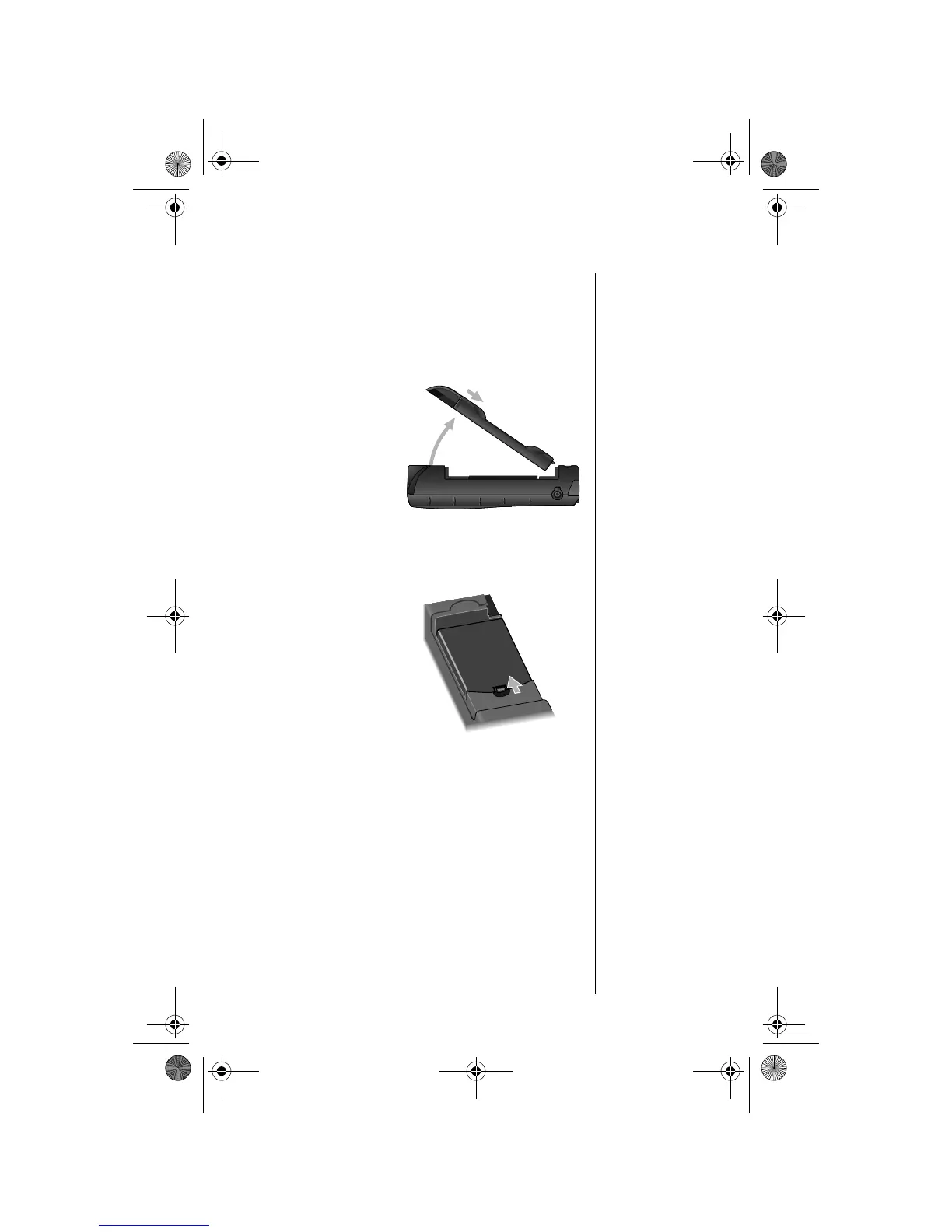
Removing the Battery
1. Ensure the phone is switched off.
2. Remove or rotate the satellite antenna
before removing the battery. (See “Attaching
the Satellite Antenna” on page 26.)
Tip:
The
battery
compartment is
located on the
back of the
phone
3. Press and
hold the
release latch
at the top of
the battery
compartment
cover.
4. Pull the cover
upward, and
then remove it
from the
phone.
5. Press and
hold the
release latch
at the base of
the battery.
3
4
5
05GetStart-kg.fm Page 31 Monday, November 15, 2004 4:33 PM








 To Next Page