Getting Started 33
Charging the Battery
Any battery that hasn’t been used for a month or
more—including new batteries—should be charged
for about 3-4 hours before use.
Using the Internal Charger
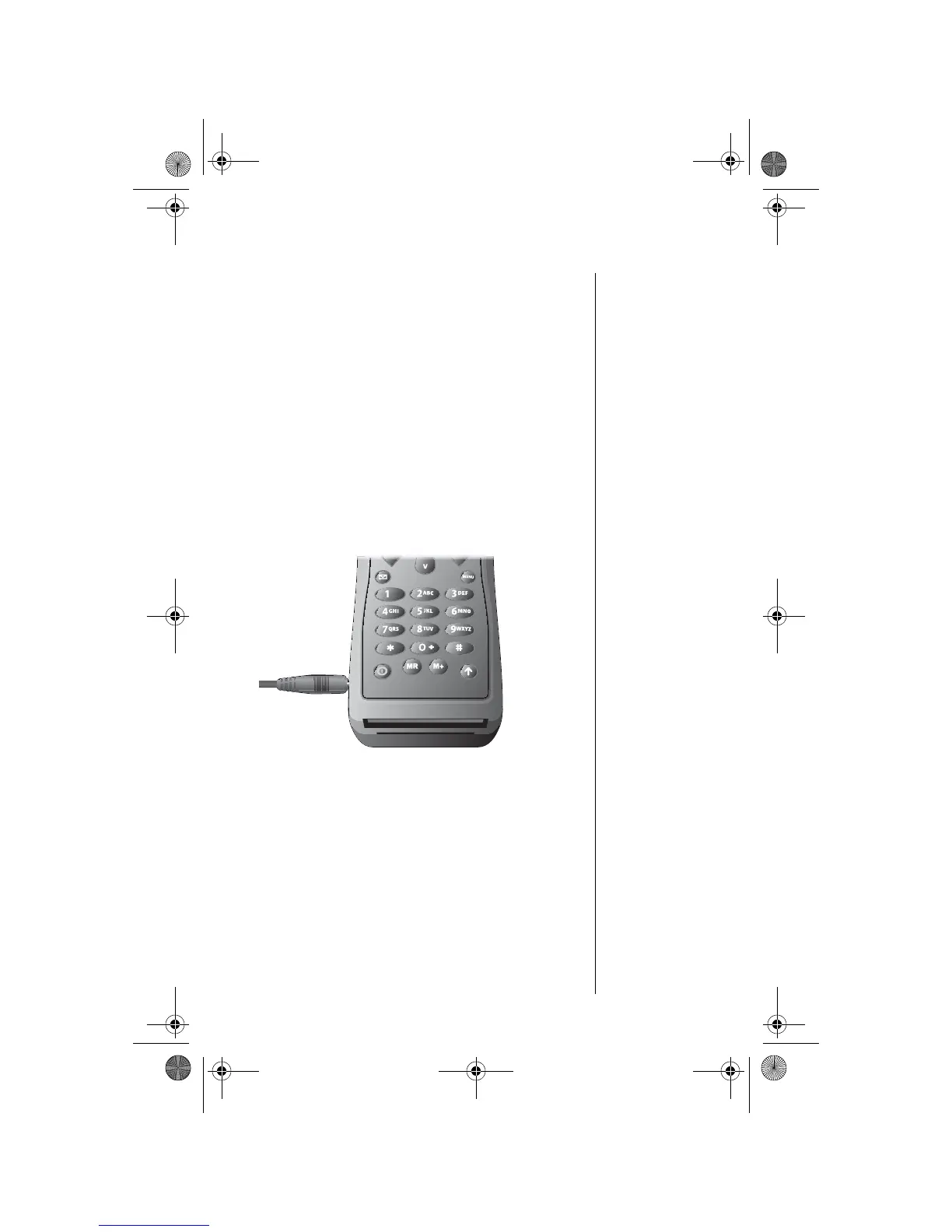
A battery charger is built right into your phone.
Using either the travel charger or auto accessory
adapter, you can plug the handset directly into a
power source to charge the installed battery.
Note: The battery should only be charged in
environments between 0-45
0
C.
1. Connect the travel charger or auto
accessory adapter to the phone.
2. Plug the travel charger or auto accessory
adapter into the appropriate power source.
The phone beeps, flashes the q (battery
charge) indicator, and displays
Charging
Battery
3. If the phone is powered on, press S to place
the phone in charge-only mode.
If the phone is powered off, it automatically
enters charge-only mode.
05GetStart-kg.fm Page 33 Wednesday, November 3, 2004 9:36 PM








 To Next Page