I A P 2 0 2 3 . 0 0 1 - A F M / I R I S T E X A N I I P A G E | 85
FOR SIMULATION USE ONLY – NOT A TRAINING AID
INTERCOMMUNICATIONS SYSTEM (ICS)
The intercommunications system (ICS) allows each pilot to monitor incoming
navigation and communications radio audio while also communicating between
cockpits and ground crew. Two ICS cords are installed to provide redundancy.
Audio Control Panels
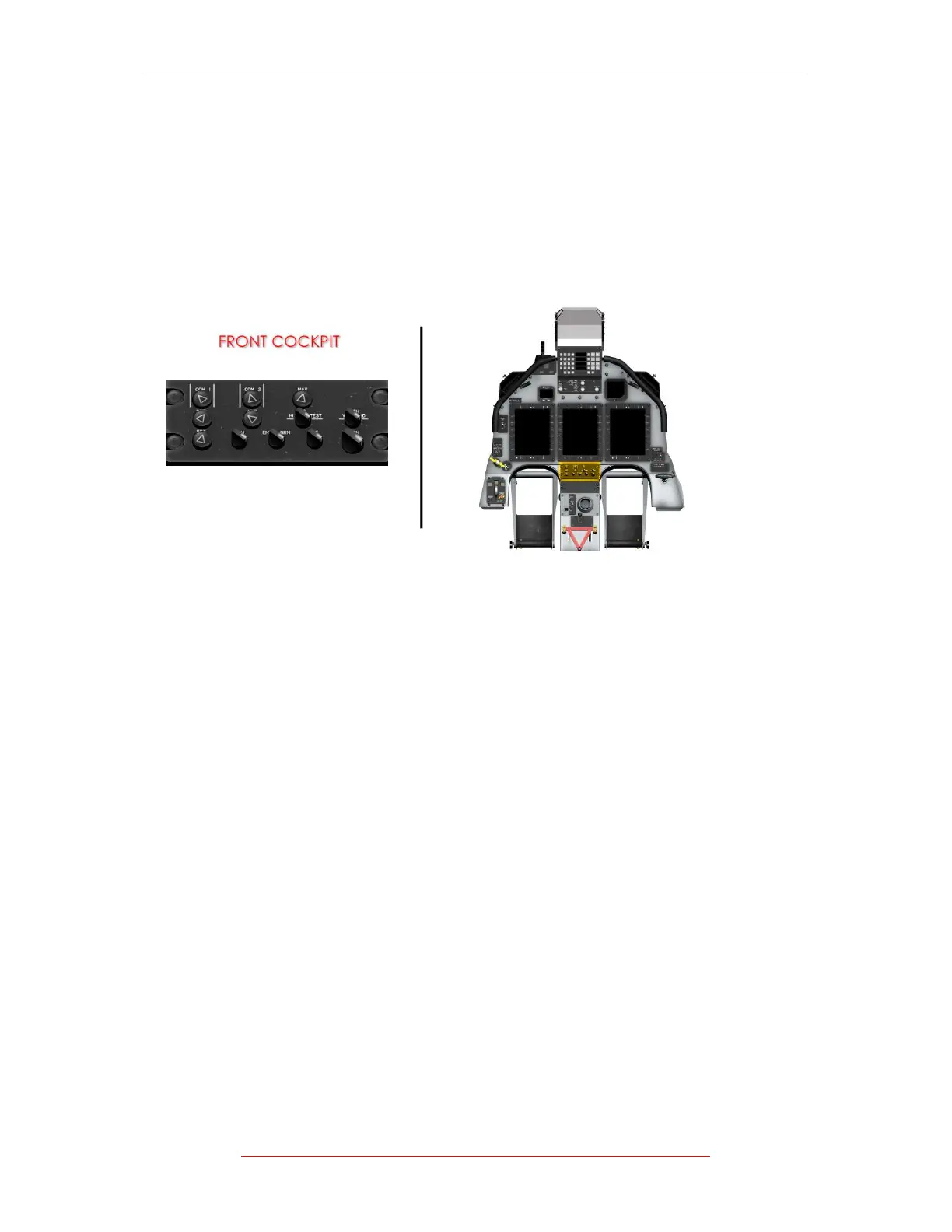
Figure 1-22 Audio Control Panel Location
Audio control panels are located on the centre corner of each instrument panel. The
audio control panels provide each pilot the ability to select the desired audio for
monitoring, volume control for each system selected, voice/range filtering, and
alternate audio selection for abnormal operation.
To select any audio source except ICS, push the respective control to extend it from
the retracted (off) position. ICS is always active. Rotate the control clockwise to
increase volume, or counter clockwise to decrease volume.
Both front and rear audio control panels include controls for UHF communications
placarded COM1 and VHF communications placarded COM2; VHF navigation,
placarded NAV; marker beacon, placarded MRK; distance measuring equipment,
placarded DME; and interphone threshold adjustment control, placarded VOX.
Each audio control panel also includes a toggle switch, placarded V, ID, and BOTH,
to select the voice only (V), recognition or morse code only (ID), or both voice and
recognition channels for the VHF NAV radio; and a toggle switch, placarded EMR
and NRM, to select raw audio if the amplifier becomes inoperative.
Selecting alternate (EMR) bypasses the amplifier and provides raw audio (no
volume control) for communications and side tone, as well as aural warnings.



 To Next Page