JWI-700C 7
5. Setting Mode
5-1 Maximum Weighing Capacity Setting
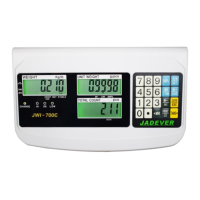
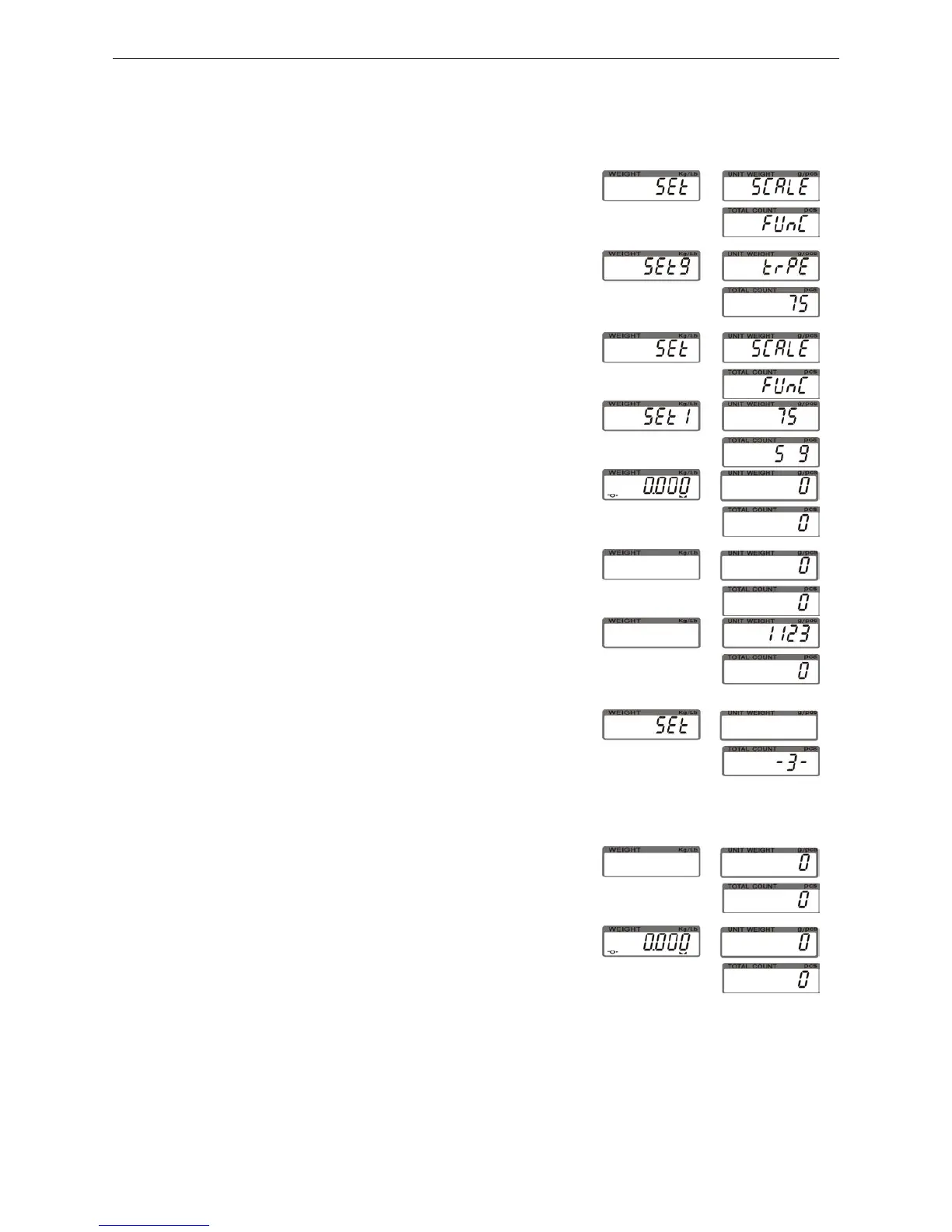
1) Turn on the power while pressing key ZERO.
2) Press key ● to cycle through weight capacity
options. Available settings are 15,30,60,75,150,300,600,
750,1500,3000,6000 and7500 (kg).Here we choose (75kg).
3)Press key SMPL to save and return to the Setting
Menu.
4) Press down numeric key 1 to check the current
weighing capacity and division.
5) Press key ZERO to go back to the weighing mode.
5-2 Resolution Setting
1) Turn on the power while pressing key SMPL.
2) Key in 1123 with the numeric keys.
3) Enter the resolution selection mode by pressing
key SMPL. Numeric Key 1 is to circle through
resolutions options. Available setting are
1(1/6000 or 1/7500 ),2(1/15000)and3(1/30000).
4) Press to key SMPL save and return to the setting
menu.
5) Press key ZERO to return to weighing mode.
Note: Division changes with the changing of resolution. when weight unit Lb is selected, it
won’t be possible to shift to resolution 1.


 To Next Page
 Loading...