Page 26
Reactive Power Controller
= Key 1 = Key 2 = Key 3
Discharge time
The discharge time
means the time, which
each capacitor stage
has got for discharge.
Setting range : 0 - 1200 seconds
The discharge time will be started after a net return and
after switching off a capacitor stage.
Capacitor stages controlled by transistor outputs must
not consider the discharge time, as the therewith con-
trolled semiconductor switches in the zero crossing of
voltage.
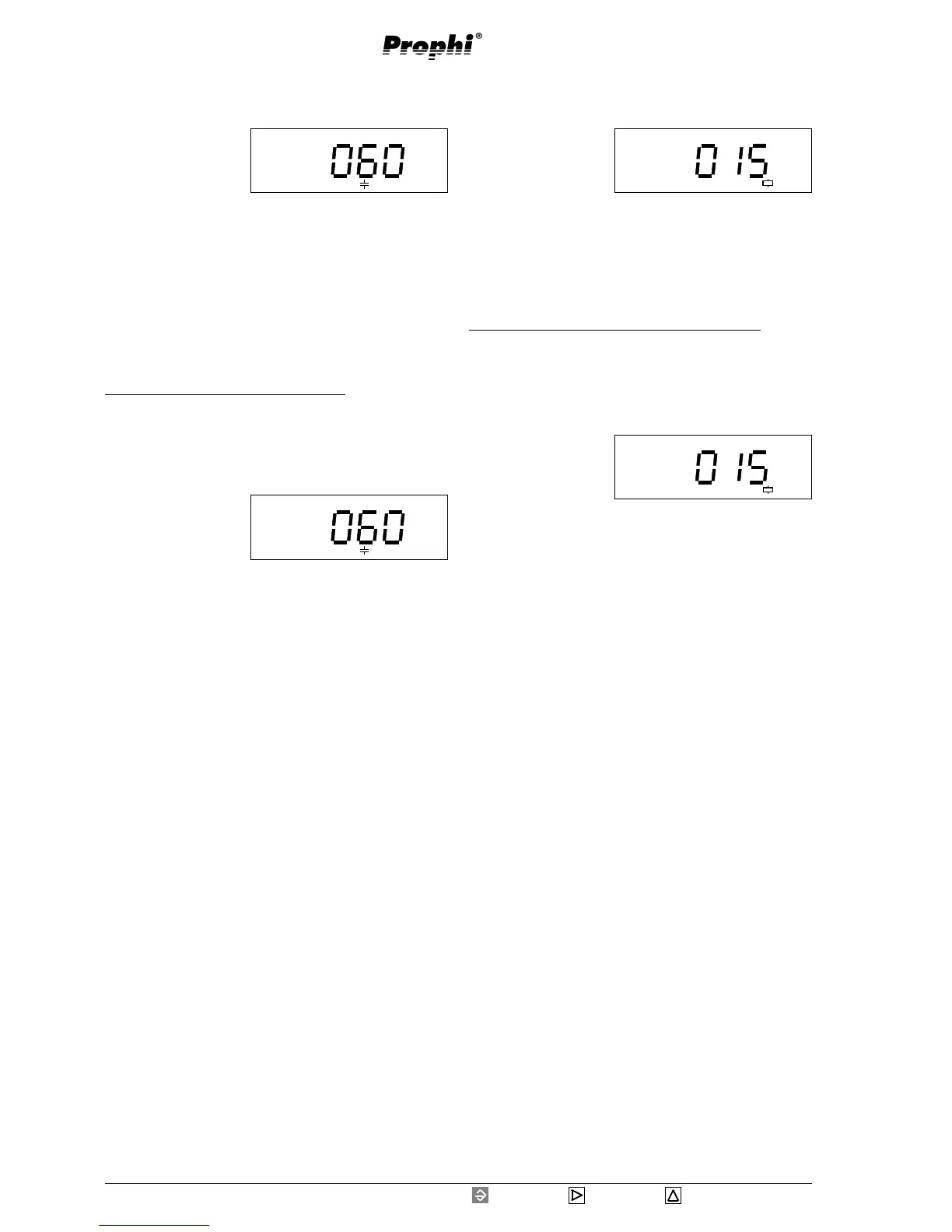
Example: Programming discharge time
With key 3 you can leaf to the discharge time in the
expanded programming. With key 1 you get into pro-
gramming mode. In this example a discharge time of
60 seconds is indicated.
Select the digit to be
changed using key 2.
The selected digit is
flashing.
Change digit using key
3.
Pressing key 1 you leave the programming mode and
with key 3 you can continue leafing through the ex-
panded programming.
Disconnection pause
The disconnection
pause means the time
after the connection of
a capacitor stage, in
which it is forbidden to
disconnect the next stage.
Setting range : 0 - 1200 seconds
The disconnection pause is not valid for capacitor stages,
switched via transistor outputs.
Example: Programming of disconnection pause
With key 3 you leaf to the disconnection pause in ex-
panded programming. Please press key 1. In this exam-
ple a disconnection pause of 15 seconds is indicated.
Select the digit to be changed by using key 2. The
selected digit is flash-
ing.
Change the selected
digit using key 3.
Pressing key 1 you leave the programming mode and
with key 3 you can continue leafing through the ex-
panded programming.
s
Prog
s
Prog
Prog
s
Prog
s


 To Next Page