Page 38
Reactive Power Controller
= Key 1 = Key 2 = Key 3
Indication in manual mode
While switching ca-
pacitor stages in
manual mode, either
the actual cos(phi) or
actual real power can
be indicated.
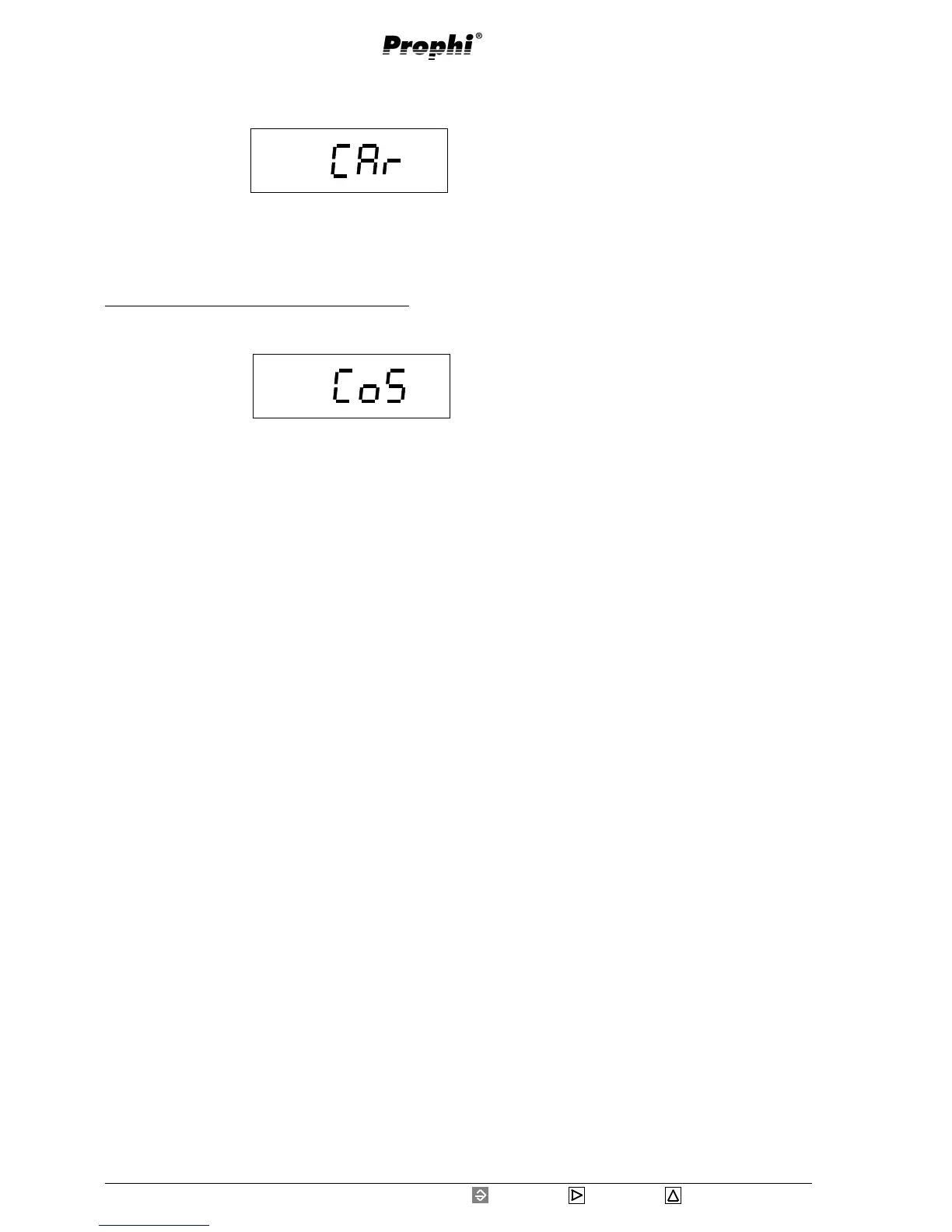
CAr = Indication of reactive power
CoS =Indication of cos(phi)
Prog
Prog
Example: Selection of indication in manual mode
Move to selection of the indication in manual mode
with key 3.
Confirm with key 1.
The last selected value,
CoS or CAr, is flash-
ing.
With key 3 can be
changed over to CoS and with key 2 to CAr.
Confirm selection with key1.
The selected text is no longer flashing.
Carry on expanded programming using key 3.


 To Next Page