Page 30
Reactive Power Controller
= Key 1 = Key 2 = Key 3
Harmonic thresholds
In order to avoid reso-
nance in the net and to
protect capacitors from
overload, a threshold
row should be selected
from the threshold table. If a harmonic threshold is
exceeded, capacitive stages are switched off for the du-
ration of the discharge time.
Setting range 0 - 10
In order to avoid too much switchings of capacitor
stages, the capacitor stages are only switched on, when
the harmonic threshold of a lower threshold row is ex-
ceeded.
If the threshold row is selected for 0, no capacitor
stages are switched off. The thresholds of threshold
row 0 are only taken as the lower threshold row for
threshold row 1.
Harmonic thresholds in % of nominal voltage
Threshold row number
1 2 3 4 5 6 7 8 9 10
3. 3.5 4.0 4.5 5.0 5.5 6.0 6.5 7.0 7.5 8.0
5. 4.5 5.0 5.5 6.0 6.5 7.0 7.5 8.0 8.5 9.0
7. 3.5 4.0 4.5 5.0 5.5 6.0 6.5 7.0 7.5 8.0
9. 1.2 1.2 1.5 1.5 2.0 4.0 4.5 5.0 5.5 6.0
11. 2.5 3.0 3.0 3.5 4.0 5.0 5.5 6.0 6.5 7.0
13. 2.0 2.1 2.5 3.0 4.0 5.0 5.5 6.0 6.5 7.0
15. 1.0 1.2 1.5 1.5 1.8 2.0 2.2 2.5 2.0 2.3
17. 1.5 1.5 2.0 2.0 2.3 2.0 2.5 3.0 3.5 4.0
19. 1.0 1.2 1.5 1.5 1.8 2.0 2.2 2.5 3.0 3.5
Harmonic number
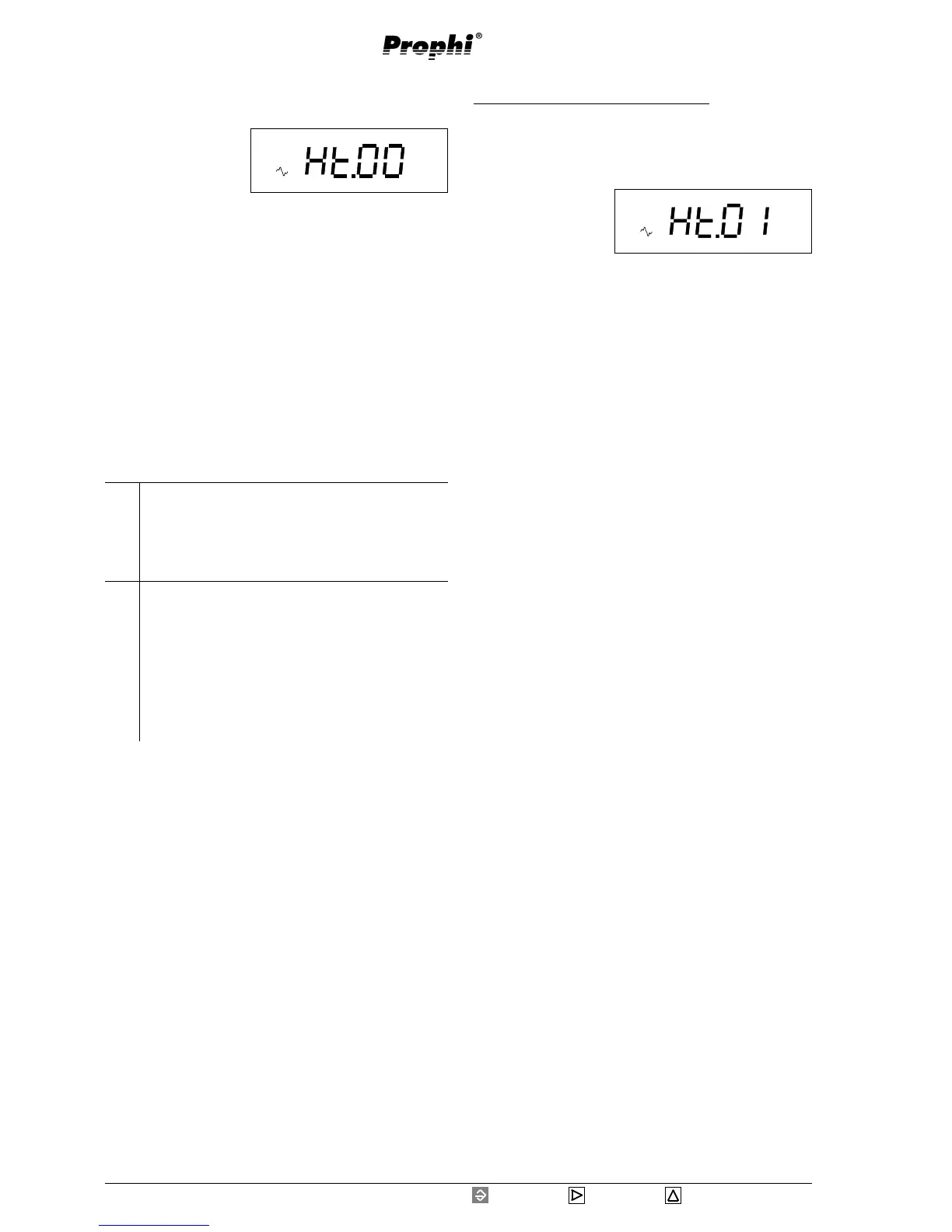
Example: Programming threshold row
Leaf to the harmonic table in the expanded program-
ming using key 3. Confirm with key 1. In this example
the threshold row 1 is indicated.
Select the digit to be
changed by pressing
key 2. The selected
digit is flashing.
Change the selected
digit by pressing key 3.
Pressing key 1 you leave the programming mode and
with key 3 you can continue leafing through the ex-
panded programming.
V
Prog
V
%
Prog


 To Next Page