14
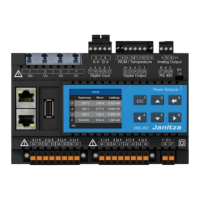
UMG 512
Ethernet
The Ethernet connection of the UMG 512 is on the bottom
of the housing.
Depending on the bending radius of the Ethernet cable
and connector type, you must install a connection area
below the UMG 512.
The connection area below the UMG 512 should not
be smaller than 50 mm.
Mounting
The UMG 512 is mounted in the switchboard with two
mounting clips that are installed at the top and bottom
of the device.
Ethernet connection
Patch cable
50 mm


 To Next Page
 Loading...