51
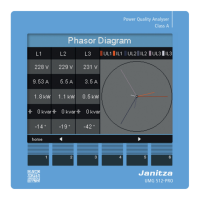
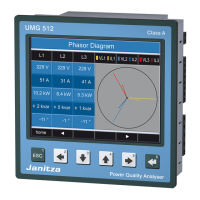
UMG 512
View additional information
• Using the 2 and 5 keys, scroll to the desired measured
value display.
• Activate the measured value selection using the 6 key
(select).
• The background colours for the measured value
switches from grey to green. The additional information
is displayed in blue window.
• Using the 2 and 5 keys, select the desired measured
value.
• End the procedure using the 1 key (ESC) or select
another measured value with the 2 to 5 keys.


 To Next Page
 Loading...