57
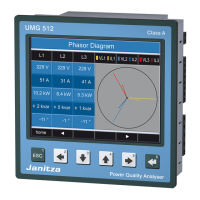
UMG 512
Communication
The UMG 512 has an Ethernet and a RS485 interface.
Ethernet (TCP/IP)
Select the type of the address assignment for
the Ethernet interface here.
DHCP mode
• Off - The IP address, netmask and gateway are
defined by the user and set directly on the UMG 512.
Select this mode for straightforward networks without
DHCP servers.
• BOOTP - BootP enables the fully automatic
integration of a UMG 512 into an existing network.
However, BootP is an older protocol and does not
provide the scope of functions provided by DHCP.
• DHCP - When started, the UMG 512 automatically
obtains the IP address, the network mask
and the gateway from a DHCP server.
Factory default setting: DHCP
Connection of the UMG 512 to the
Ethernet may only be carried out after
consulting the network administrator!
m


 To Next Page
 Loading...