Page 31
Figure 6-6 Standby function indicator
6.3.2 Input overvoltage and undervoltage protection
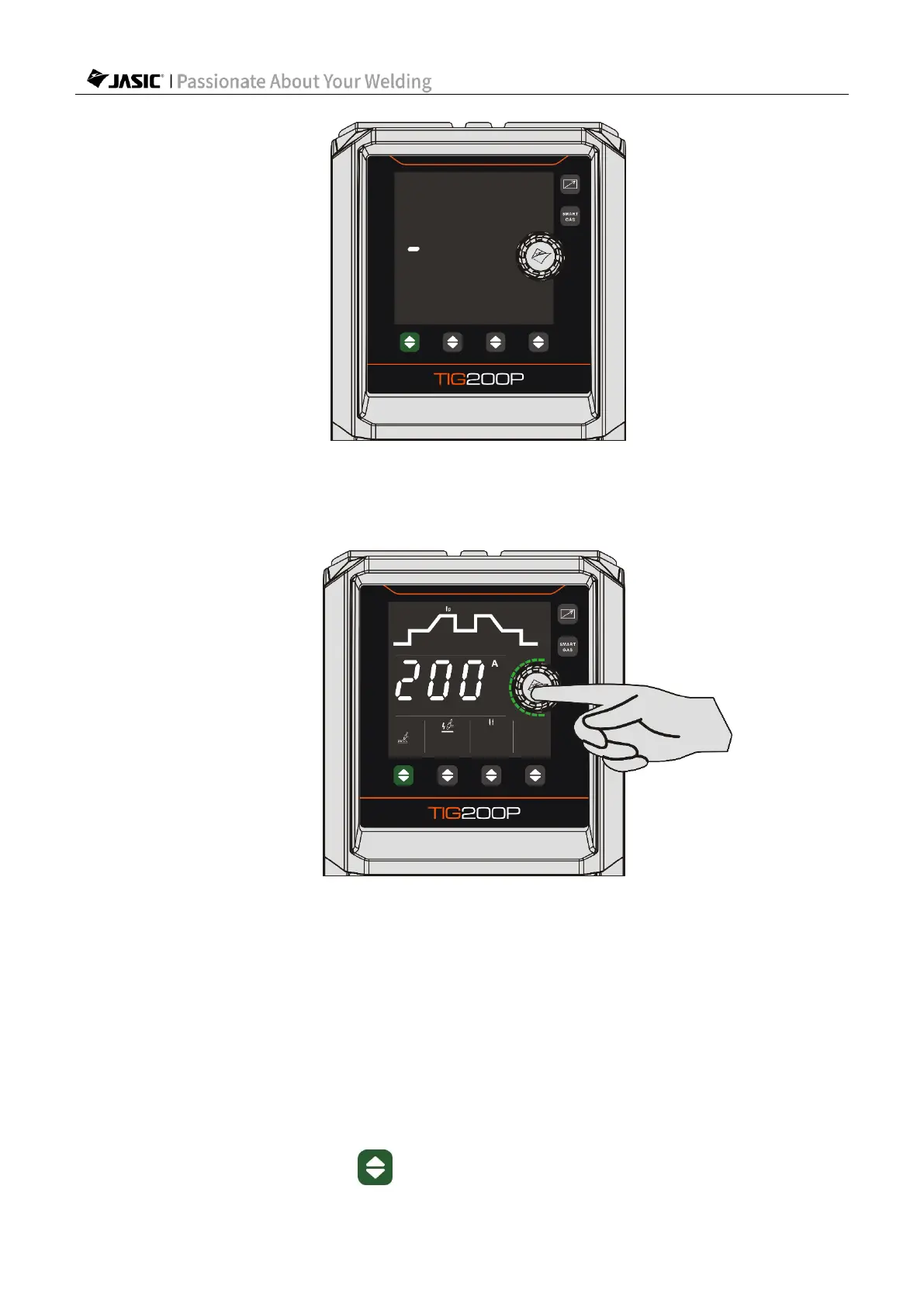
Figure 6-7 Enter the back-end
1) Press and hold the "Current Setting Encoder" key for 2s to start countdown. After the 3s
countdown is over, the panel displays "F01". Rotate the "Current Setting Encoder" key
clockwise to adjust the parameter to "F02", and press the key again to enter the input
overvoltage and undervoltage protection settings.
2) Rotate the "Current Setting Encoder" key to adjust the overvoltage and undervoltage
protection state, increasing clockwise and decreasing counterclockwise (0: not enabled; 1:
enabled).
3) After adjusting the standby response time, press the "Current Setting Encoder" key to
save the current settings.
4) Press the welding mode key to complete the operation and exit.













 To Next Page