EasyManua.ls Logo

JBI Alpha-Doc Mk4 - 7. Troubleshooting; Troubleshooting: Switching On

JBI Alpha-Doc Mk4
45 pages
Print Icon
To Next Page IconTo Next Page
To Previous Page IconTo Previous Page
Loading...
Section 7 Page
7. Troubleshooting
ALPHAM4/V1 SEPT 2011
1
7.1 Troubleshooting when Switching On
Message Check Message Note Action
NORMAL
CYCLING
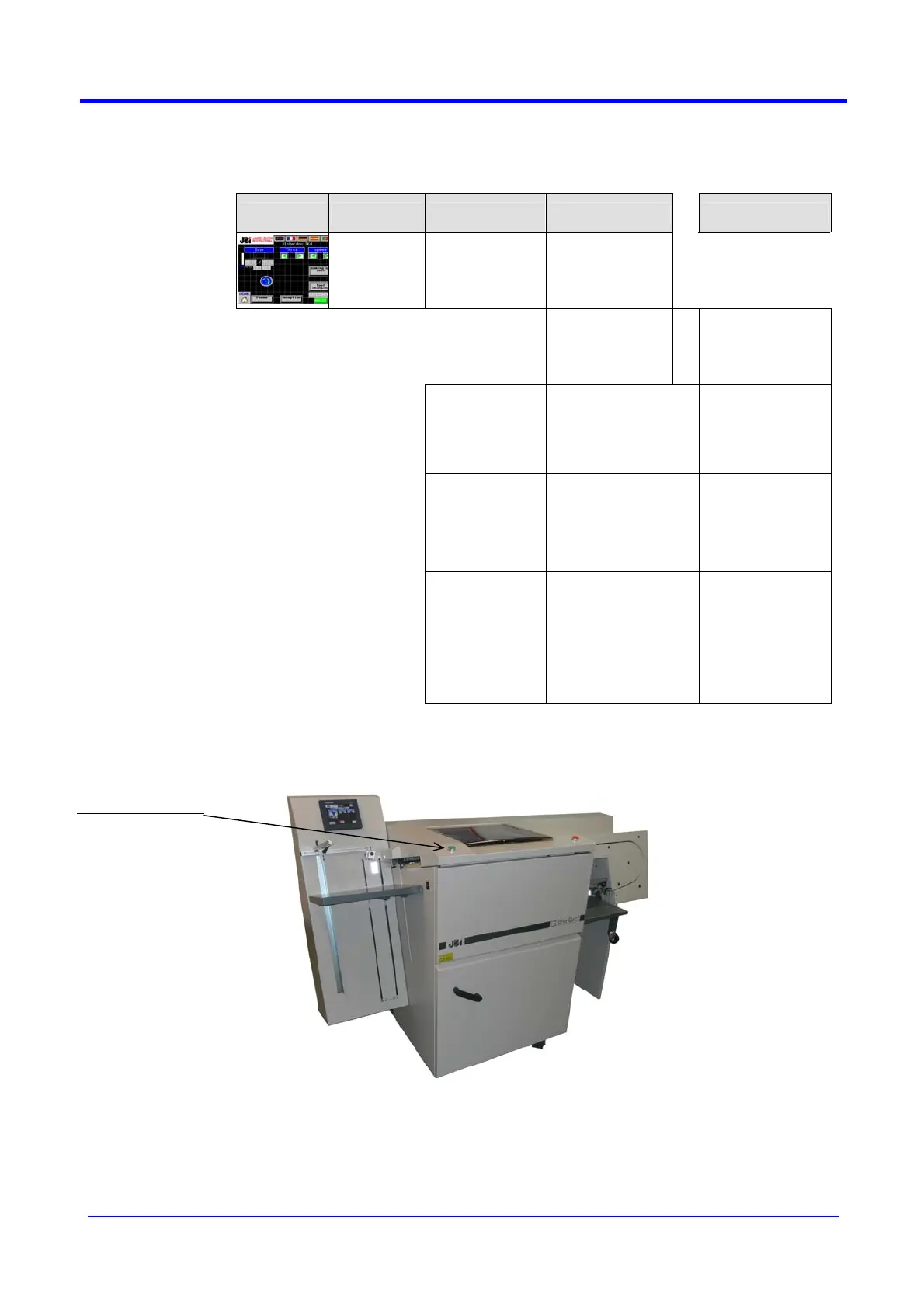
Press on the
key « ON »
MACHINE
CYCLING
The machine is
cycling normally
POSSIBLE
FAULT
One or several
actuators are not
running
¾
Check the fuses
on the 24VC card
(electrical box)
POSSIBLE
FAULT
CONFETTI
TRAY FULL
¾ ¾ ¾
Empty the confetti
tray and/or clean
the sensor with
reflector
POSSIBLE
FAULT
JAMMING ON
HIGH PILE
RECEPTION
¾ ¾ ¾
Remove the
paper and/or
clean the 2
sensors with
reflectors
POSSIBLE
FAULT
TOOL
OVERLOAD
The motor stops
Check that no
paper is jammed
in the tool or that
there is no hard
point on the tool
or that there is no
electric fault
“ON” button

Related product manuals