57
VX4010
( ) Folders - Touch the icon to display the folder/le hierarchy. Touch the folder
icon and the contents of the folder will be displayed. Touch the le’s icon to select
a le. Touch the icon again to conrm and open the le.
Controlling Playback
Direct Entry
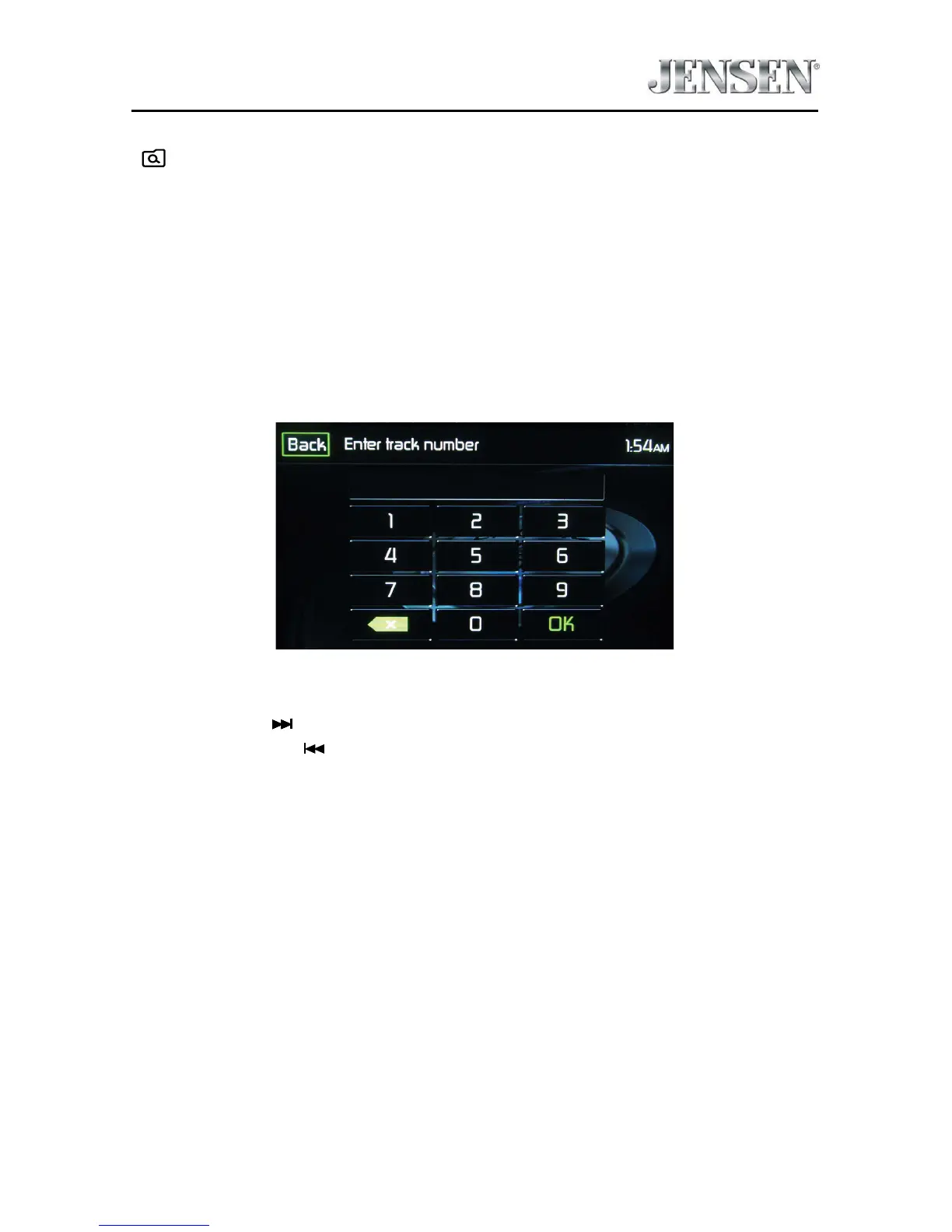
When the Direct Entry icon is touched the Direct Entry Screen appears. The user
can manually select a track by touching the corresponding number. After entering
the track numbers touch the OK icon. If a wrong digit is entered touching the
arrow will remove the number. After touching OK playback will begin.
iPod®/iPhone® Track Direct Entry Screen
Moving Through Tracks
Touch the Next ( ) icon to advance to the next track on the iPod®.
Touch the Previous ( ) icon to move to the previous track on the iPod®.



 To Next Page