58
VX4010
Pausing Playback
Touch the Play/Pause ( ) icon to suspend or resume playback.
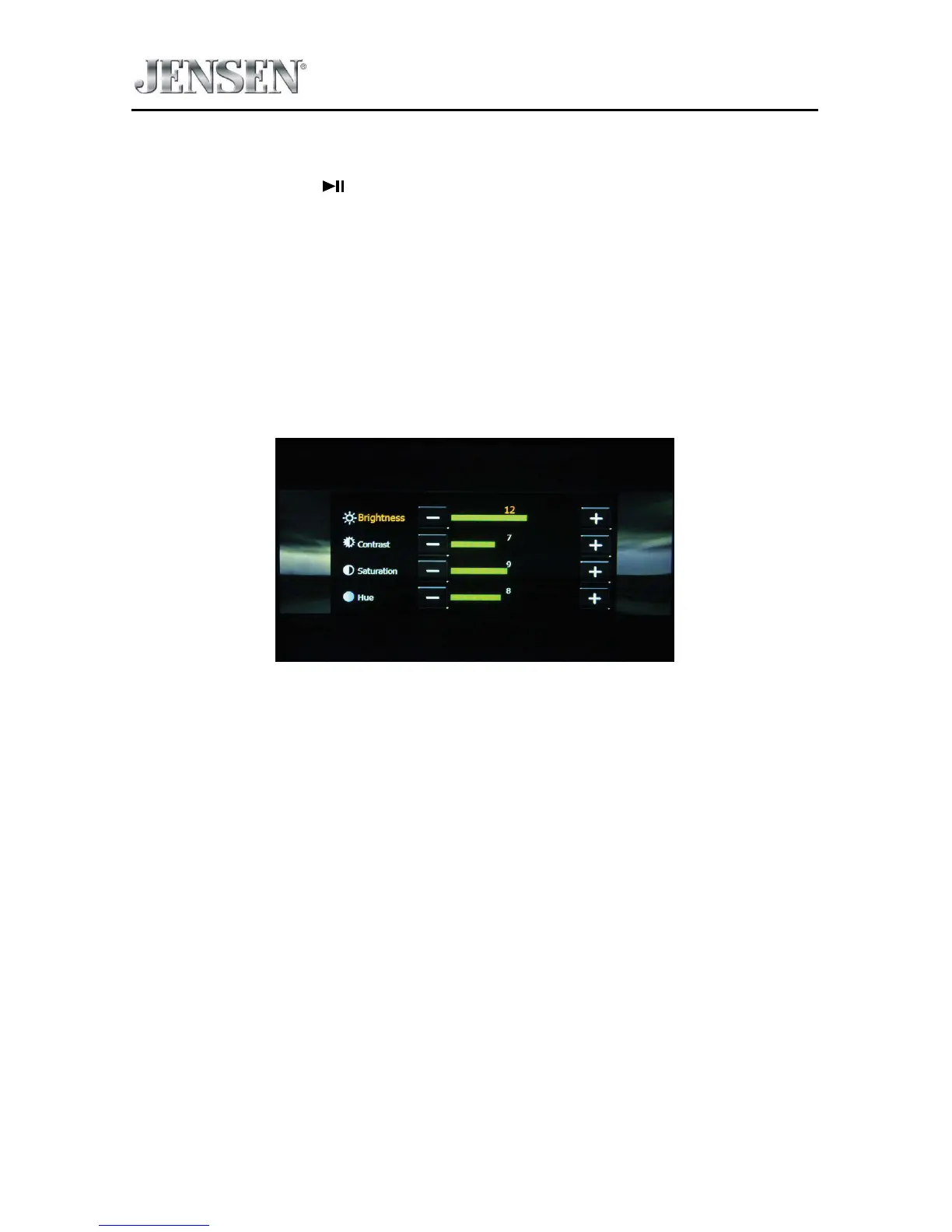
PIC - When the PIC icon is touched the picture adjust screen appears. Touch this
icon during playback to adjust the color brightness, contrast, saturation and hue.
The levels can be adjusted to suit the users preferences. The adjustments are
accomplished by touching the + or - icons to decrease or increase the desired
setting. The settings have range of 1 to 20.
NOTE: The Picture Adjustment Screen will turn OFF automatically if no adjustment
is made within ve seconds or if any other part of the screen is touched.
iPod®/iPhone® Picture Adjust Screen



 To Next Page