Page 13
Icon 25 Icon 26
Icon 27
Icon 29Icon 28
Icon 23
Icon 24
Figure 10
3.2.7 TEXT EDITOR
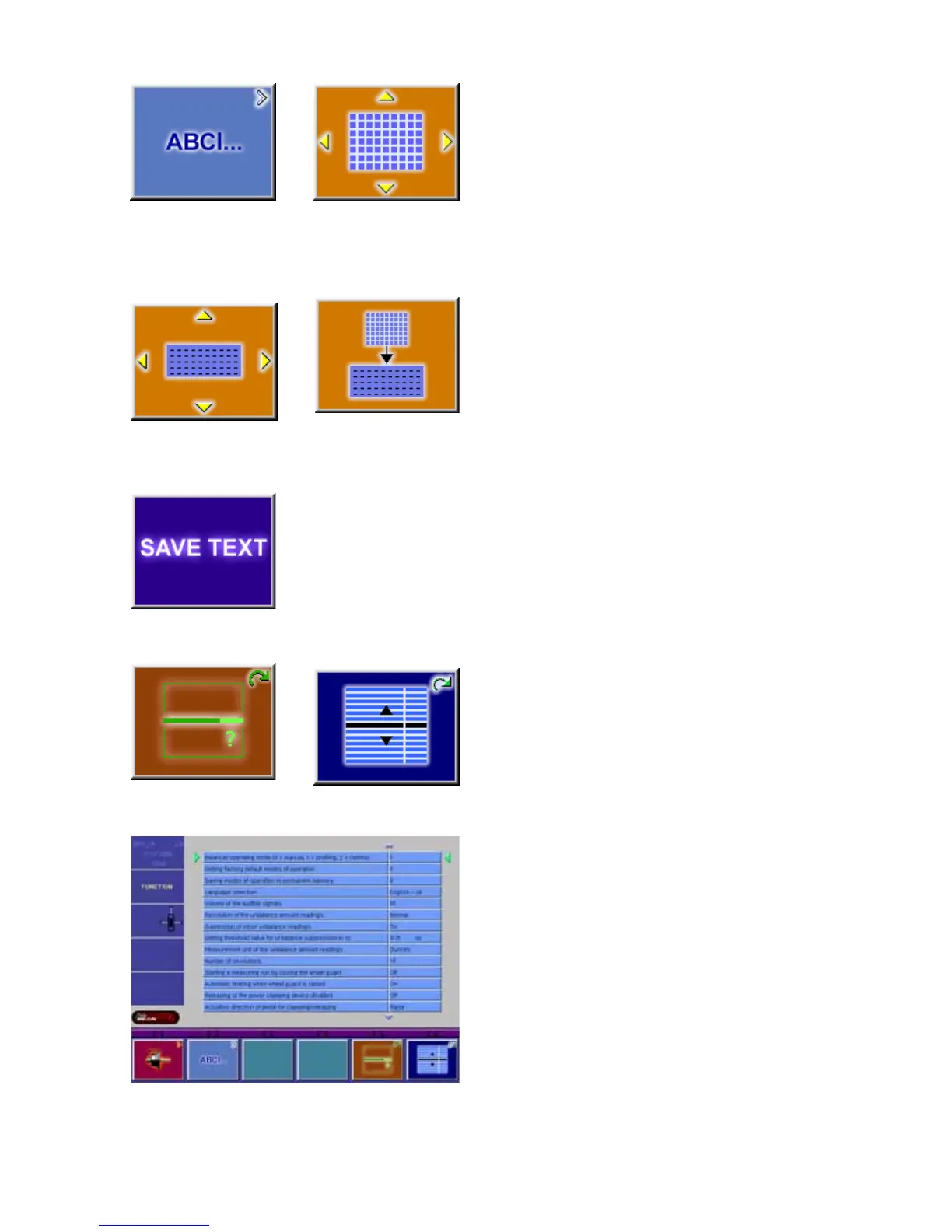
Icon 23 Change to the screen TEXT EDITOR
Icon 24 Toggle key, four functions: Move the cursor
within the character set (right, left, up, down) to the
desired character.
Icon 25 Toggle key, four functions: Move the cursor
within the text field (right, left, up, down) to the desired
text box location
Icon 26 Transfer characters from the character set to
the text field
Icon 27 Save text
3.2.8 FUNCTION (SETUP)
Icon 28 Change selected topic to desired value or
function.
Icon 29 Hold button and rotate the wheel to scroll up or
down to the desired line item.
Setup screen illustration. When desired features have
been selected, save to permanent memory by selecting
line item “3”, Save to Permanent memory, enter a value
of “1” with the F5 button while rotating the shaft. Release
button to save. Select the “ESC” button to return to the
main screen. See Figure 10.



 To Next Page