18-9
Section 18 Playing Back Data Recorded During Navigation
1
2
3
4
5
6
7
8
9
10
11
12
13
14
15
16
17
18
19
21
22
23
24
25
APP A
APP B
18.4 Exiting the Playback Mode
Other tasks cannot be executed while the Playback dialog box is being displayed (during the Playback
mode).
To execute other tasks, exit the Playback mode.
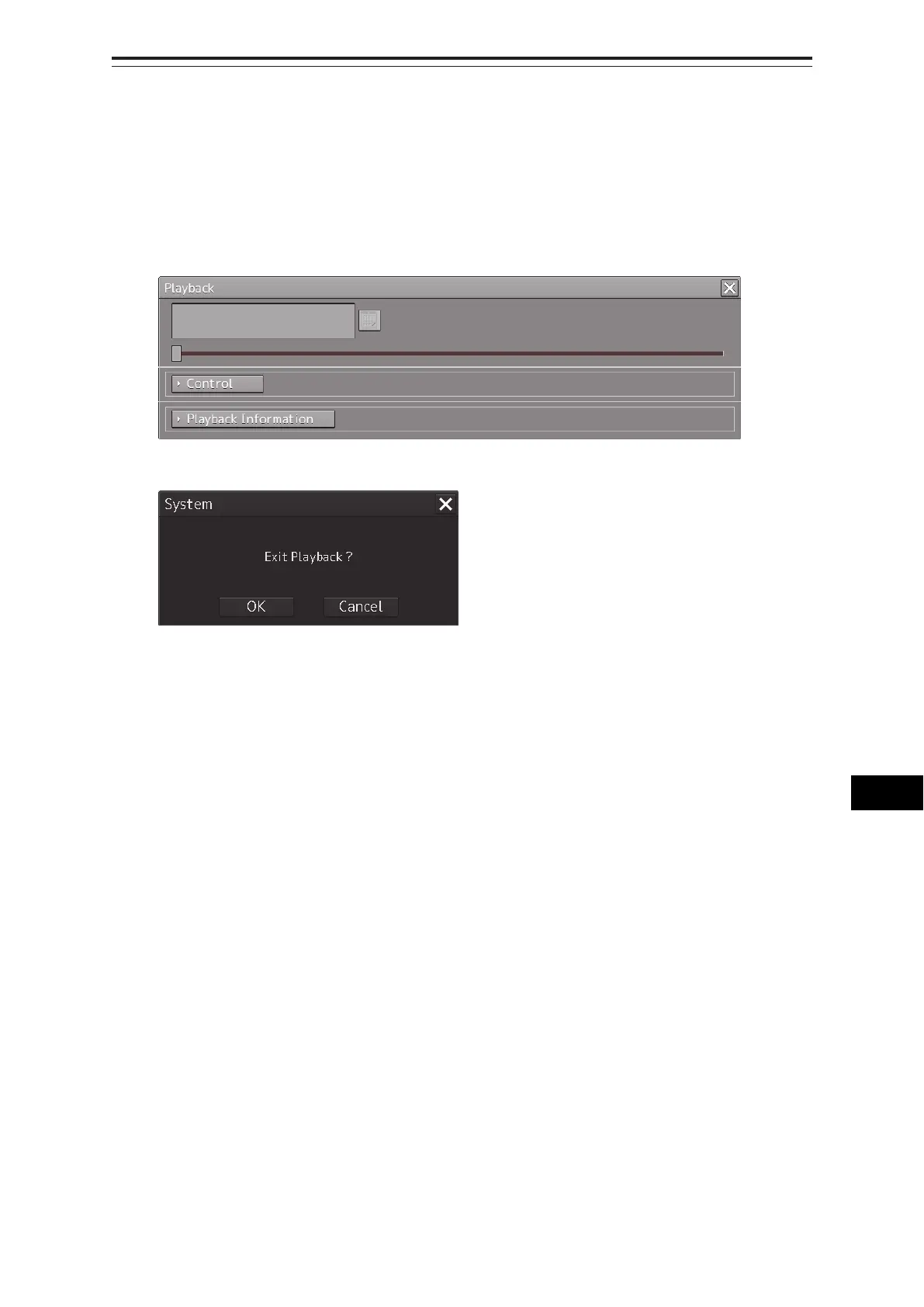
1 Click on the [X] (Close) button on the playback controller.
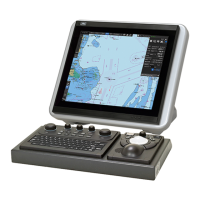
The Exit Confirmation dialog box appears.
2 Click on the [OK] button.
The playback controller closes and the Playback mode ends.
To cancel exiting the Playback mode, click on the [Cancel] button.



 To Next Page