19-27 Section 19 Maintenance & Inspection
1
2
3
4
5
6
7
8
9
10
11
12
13
14
15
16
17
18
19
19
21
23
24
24
26
27
19.4.3 Confirming the operation of the operation
unit [Key Test]
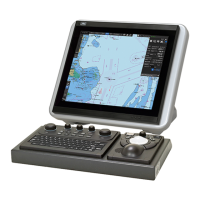
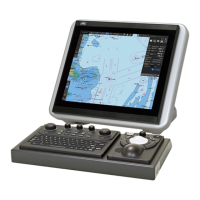
Confirm the operation of the keys of the operation unit.
1 Click on the [Menu] button on the left Tool Bar.
The menu is displayed.
2 Click on the [Maintenance] - [Selftest] - [Key Test] button on the menu.
3 Click on the [Key Test Start] button.
Key Test window is displayed.



 To Next Page