Operating controls and functional elements
20
4.3
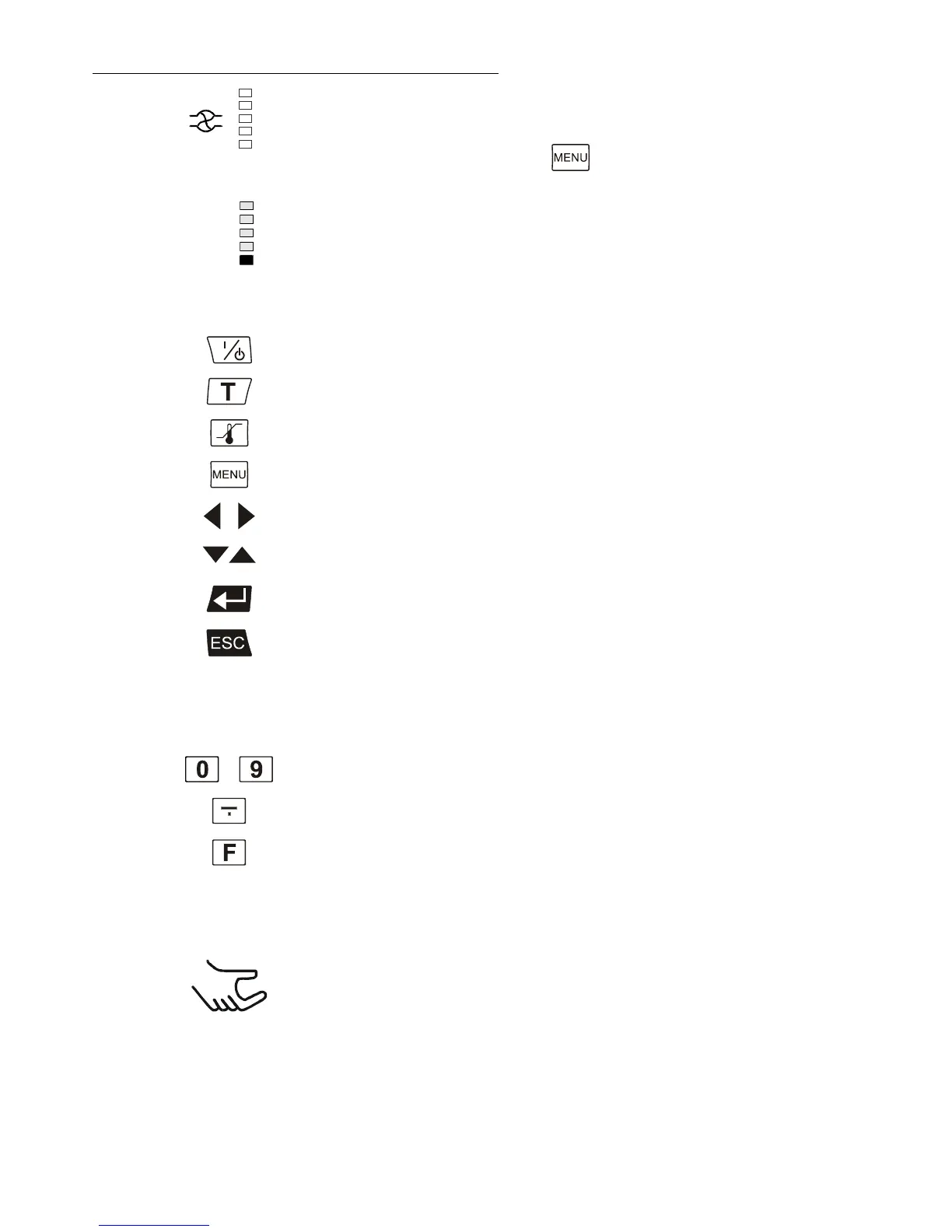
Display for the adjusted pump pressure stage in the -OFF- mode.
Display for the effective pump pressure stage (rotation speed) after
start.
Four stages, adjustable via the
button, in the menu >PUMP<.
Segment at bottom blinks: Standstill of compressor
(compressor protection device, page 28)
Key for selecting the working temperature - Setpoint 1, 2, 3
Key for selecting the warning and safety values
MENU key - for selecting the menu functions
Cursor keys (left or right)
Edit keys (increase or decrease)
Enter key 1) Store value / parameter
Escape key 1. Cancel entries
2. Return to a higher menu level
..
Numeral keypad: numerals 0 to 9
F key: Shows the help text in the
LCD DIALOG-DISPLAY when alarm messages appear.








 To Next Page