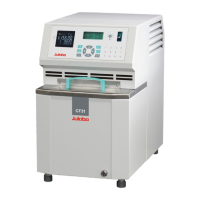
Cryo-Compact Circulators
43
8.3. Start of a profile
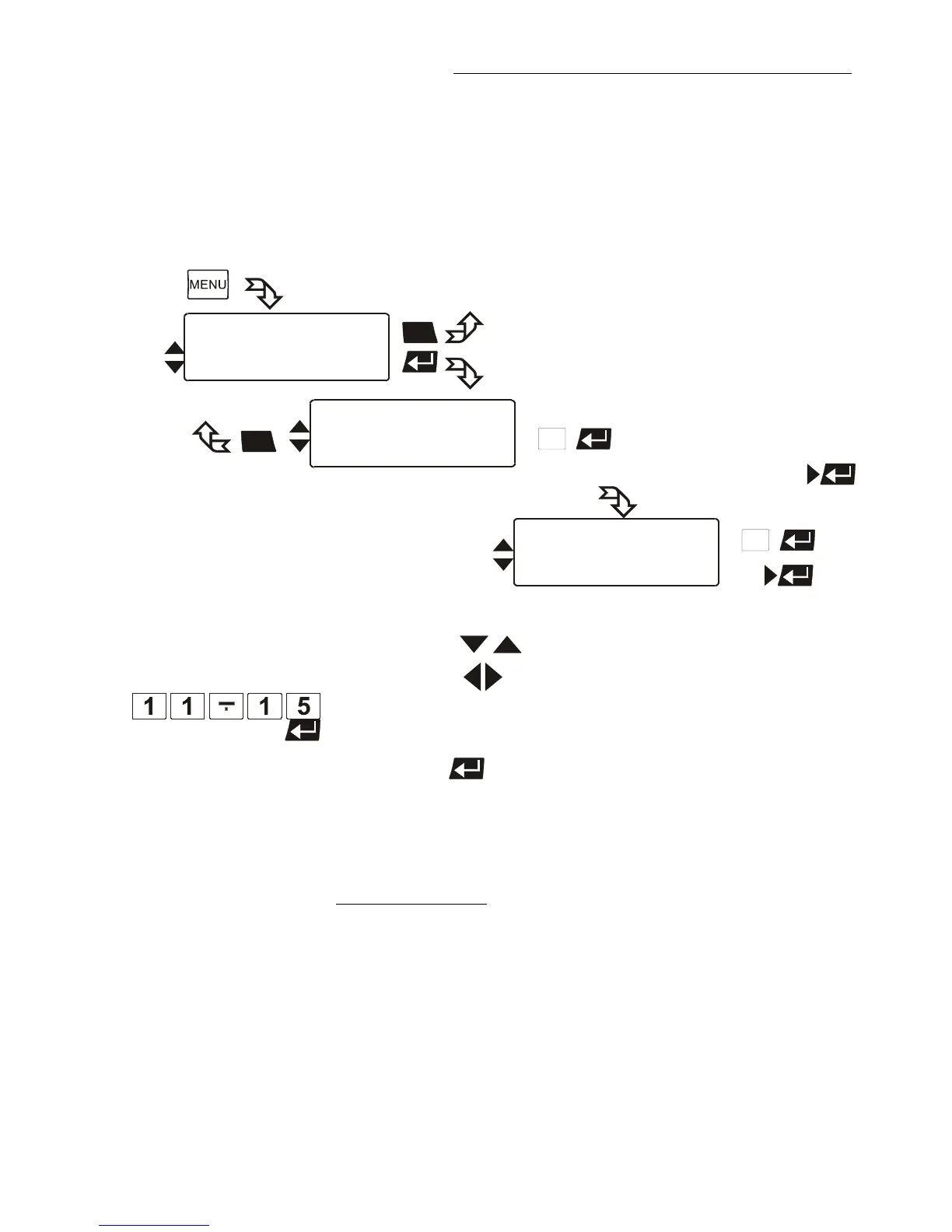
The start menu of the integrated programmer allows calling up and defined
starting of one of six previously stored temperature profiles. The profiles are
started manually or via the integrated timer.
Profile End Stdby /SetpPG/Setp 1/Setp 2/Setp 3
Use the keys to select the menu item.
2. With the keys select the parameter (parameter blinks)
or
use the numeral keypad to enter the numbers (number segment
blinks).
3. Press enter to store the new parameter or value.
If the parameter time is selected, a further submenu opens for
setting the start time.
Possible parameters:
Start Profile 1 to 5
Select the profile that should be started.
at Step 1 to 60.
Select the section with which the profile should be started.
Runs 1 to 99
Select the number of profile repetitions.
Start no / yes (manual start)
or
time (via integrated timer)








 To Next Page