Menu functions
34
8. Menu functions
The term „menu functions“ refers to adjustments such as
Configuration of the Cryo-Compact Circulator
Internal and external control with adjustable control parameters
Start menu for the integrated programmer
Integrated programmer; 6 profiles with 60 sections each
Configurable inputs and outputs; analog recorder outputs, input for external
programmer or manipulated variable or flow rate
Determination of limits for all important setting ranges and capacity
variables
Online communication, with adjustable interface parameters
Absolute temperature calibration; sensor calibration
Electronically adjustable pump capacity
If the electronic module is not fitted, the item >inputs/outputs<
will be missing in the menu.
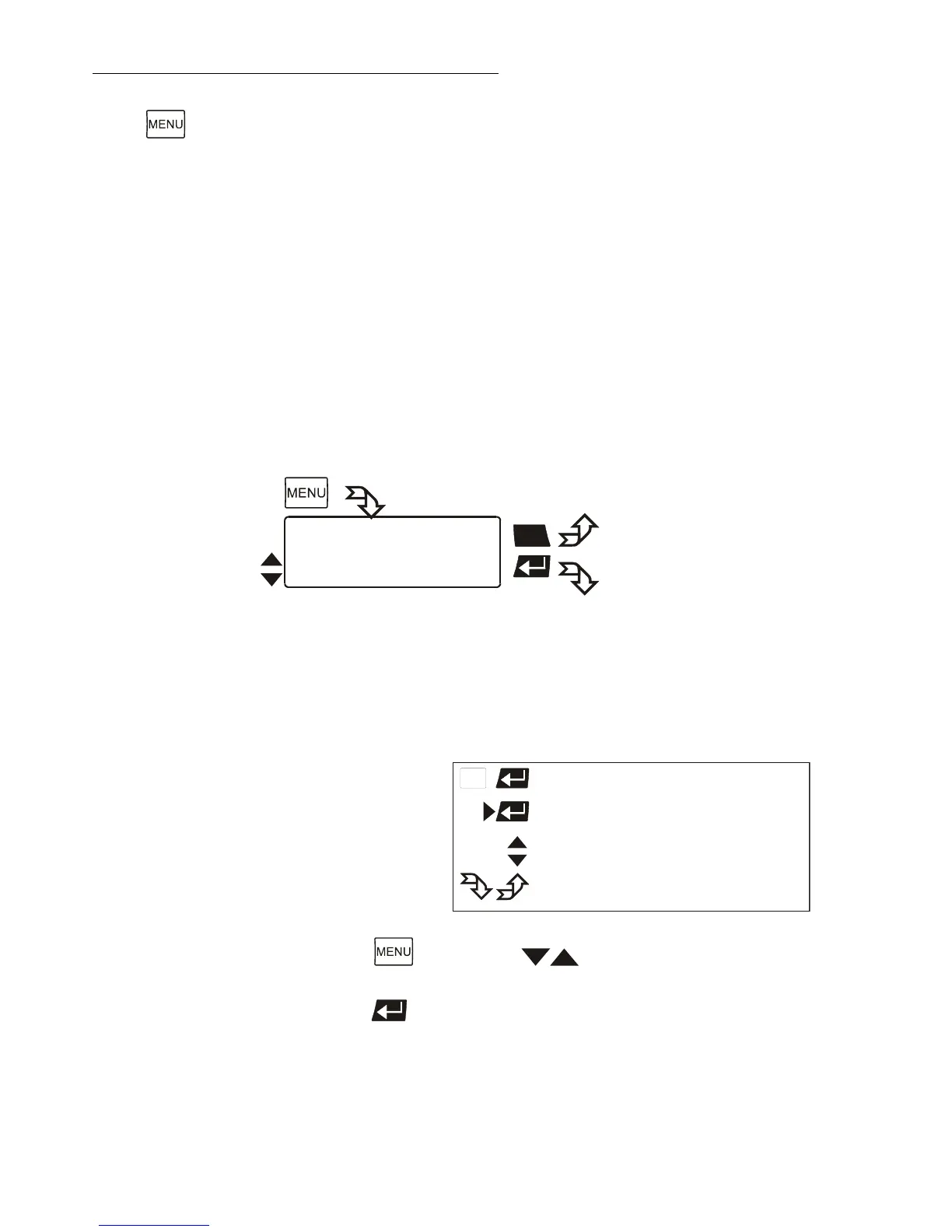
Legend
If the desired menu item is highlighted on the LCD DIALOG-DISPLAY (>),
press enter
to change to menu level 2.








 To Next Page