Cryo-Compact Circulators
51
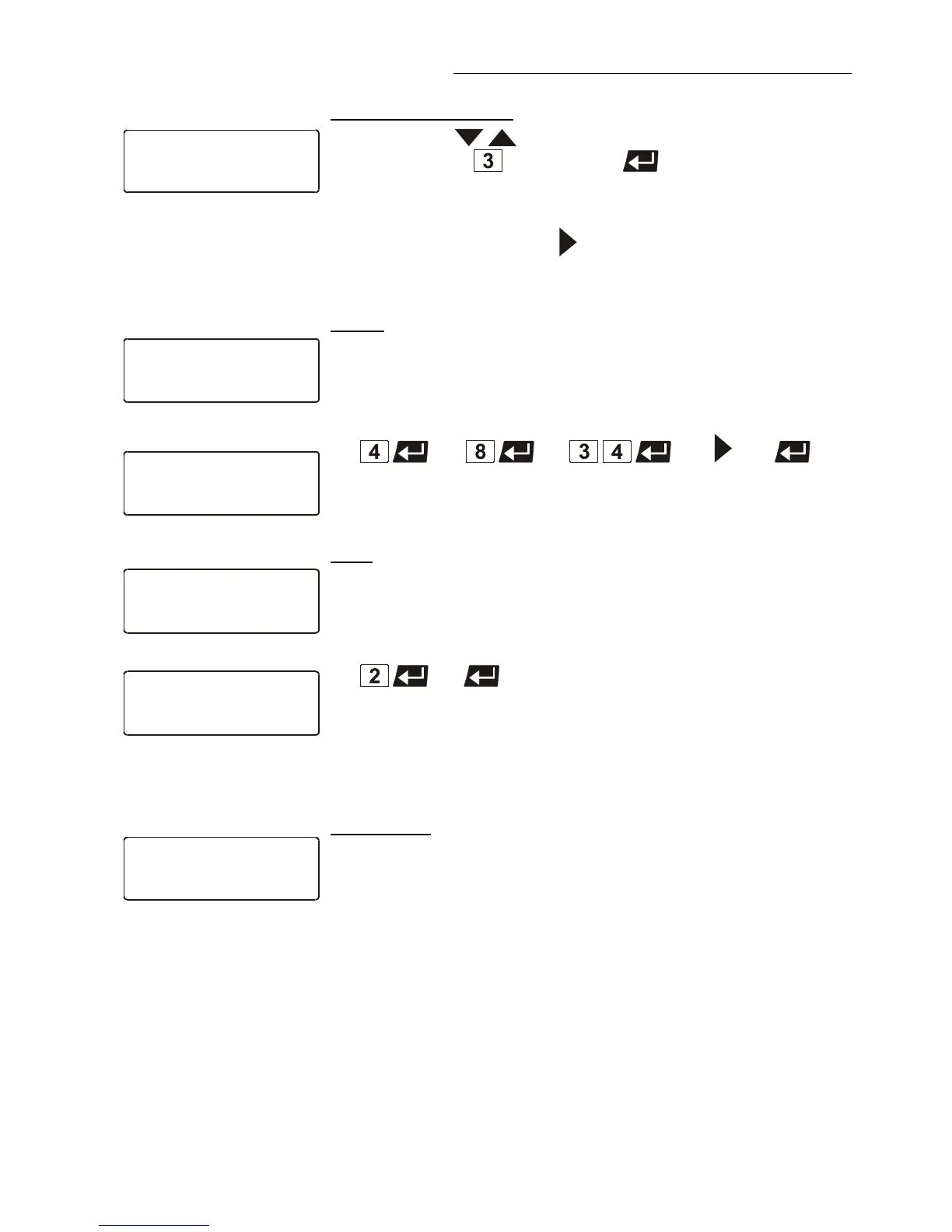
1 Use the keys to select the submenu „Step“, enter the
desired number
and press enter
or
2 If the submenu „Step“ is selected, section by section can be shown in
ascending order by the key
.
Each previously set value is displayed.
Delete:
A flashing segment indicates that the respective profile number
needs to be entered in which one or more consecutive sections are
to be deleted.
Example:
Delete step 8 to step 34 in profile 4.
yes
Line 4 indicates the deletion.
Example:
Print:
Each profile may be printed via the serial interface for control or
documentation.
A flashing segment indicates that the number of the profile to be
printed needs to be entered.
Example: Print profile 2
yes
Printing is indicated in line 2.
Setting clock
The integrated clock allows starting a profile at any date and time.
The clock is preset in the factory.
Lines 1 to 3:
Check for correctness of the preset date and time and correct if
necessary.
The time is diplayed permanently in line 4.








 To Next Page