Menu functions
26
8. Menu functions
Adjustment of parameters which, in most instances, need only be
adjusted once, are performed on the water bath at menu level.
1. Shaking operation On/Off
2. Circulator pump On/Off
(Only shaking water bath SW23).
3. MULTI-DISPLAY temperature display in C or F
4. ATC (absolute temperature calibration)
5. Switchover to remote controlled operation
6. Adjustment of interface parameters
7. Adjustment of the high and low temperature limit. Choice
between pure warning function or a temperature limit by
switching off the heating.
Selecting/exiting the menu level.
Simultaneously
press the cursor key and enter .
8.1. Shaking operation On/Off
1. Press the cursor key and enter at the same time.
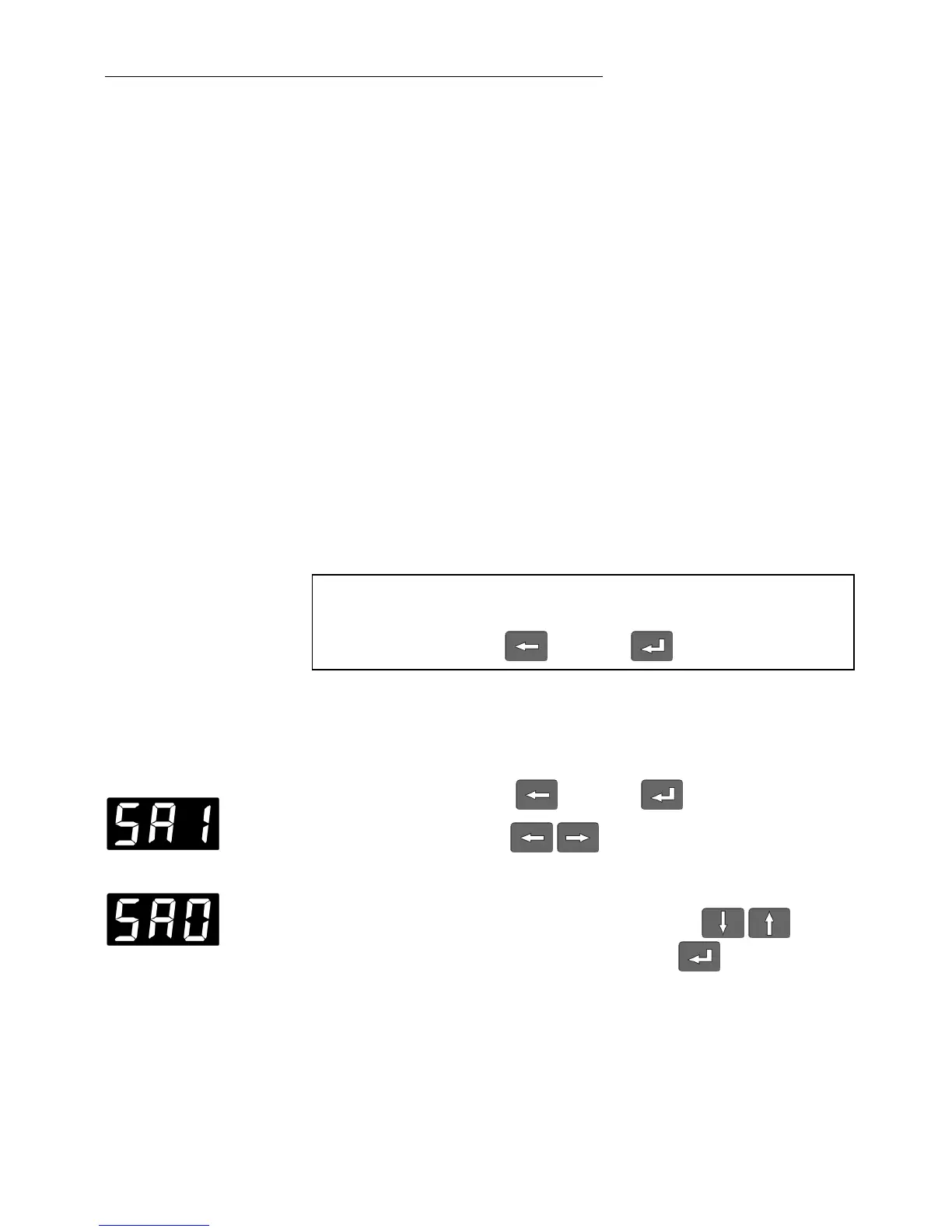
2. Use the cursor keys to select the menu option
„shaking operation“
example: „SA1“ = shaking frequency ON.
3. Select the alternative state with the edit keys and
confirm the selection with the ENTER key .
The display now shows „SA0“ = shaking frequency OFF.







 To Next Page